- How do I remove invisible characters from ChatGPT text?
- Paste the text above. Every hidden character is listed with its name and marked where it sat, and Copy text gives you the same text without them. Paste that into LinkedIn, a document, or anywhere else. The words, line breaks, and emoji stay exactly as they were.
- How do I check for hidden characters in ChatGPT text?
- Paste the text above. The number at the top of the results is how many hidden characters it has, each one is listed by name, and a marked copy of your text shows exactly where they are. Nothing is changed unless you press Copy text, so it works as an invisible character detector too.
- Why does ChatGPT text have asterisks in it?
- ChatGPT and Claude write their answers in Markdown, where **two asterisks** mean bold and a dash starts a list item. In our test, the copy buttons on both put that Markdown on the clipboard as the plain text version. LinkedIn does not read Markdown, so wherever the plain text lands in a post, the asterisks show. Check the Markdown box above and bold becomes the bold letters LinkedIn keeps, headings become bold lines, and list dashes become bullets.
- Does ChatGPT put a watermark in text?
- Not yet, by OpenAI’s own account. Its help page on provenance signals lists watermarks for images and audio, and says the goal is to extend them to text under the EU’s Code of Practice on AI-generated content. The hidden character story is older: in April 2025 people found narrow no-break spaces in text from OpenAI’s o3 and o4-mini models, and OpenAI said they were a quirk of training, not a watermark. When text watermarks do arrive, they work through word choice, as Claude’s and Gemini’s already do, not through hidden characters.
- What are hidden characters in AI text?
- Characters that take up no space or look exactly like a normal space: zero-width spaces, zero-width joiners, word joiners, soft hyphens, byte order marks, no-break spaces, and narrow no-break spaces. They are real Unicode characters with real uses in typography and in some languages, which is why they travel through copy and paste without anyone noticing.
- Will removing hidden characters make AI text undetectable?
- No. AI detectors judge the wording, not invisible characters. Text watermarks live in the wording too: Google marks Gemini text with SynthID, and since August 2026 Anthropic marks text from new Claude models the same way, by nudging which word is picked when two would do equally well. Anthropic says plainly that nothing is added to the text and there are no hidden characters. This tool cleans characters, so it does not touch either. If it matters that a post was drafted with AI, the honest fix is to write it in your own words.
- Does it remove em dashes?
- Only if you check the box to replace them. An em dash is a visible character, not a hidden one, so it stays by default. With the box checked, em and en dashes become a hyphen with a space either side, a dash between two numbers becomes a plain hyphen, curly quotes become straight quotes, and the … character becomes three dots.
- Will it break my emoji?
- No. Some emoji are built from several characters held together by an invisible zero-width joiner, like a woman at a laptop, and flags such as Scotland’s are spelled with invisible tag characters. The tool keeps those, and lists them as kept so you can see why. The Unicode bold and italic letters from a LinkedIn text formatter are left alone too.
- Does it work with other languages?
- Yes. Persian, Hindi, and several other scripts need the zero-width non-joiner between some letters, so it is kept there and removed everywhere else. Direction marks are kept in text that has Arabic or Hebrew in it, where they decide which way a line reads, and removed from text that does not.
- Is the Unicode bold from Markdown readable by everyone?
- Mostly. The bold and italic letters are separate Unicode characters, which is how LinkedIn posts get bold at all, but screen readers announce them as mathematical symbols rather than words. Keep them to a heading or a few words, not whole paragraphs.
- Is my text uploaded anywhere?
- No. The text is checked and cleaned in your browser, on this page. Nothing you paste is sent to our servers or saved.
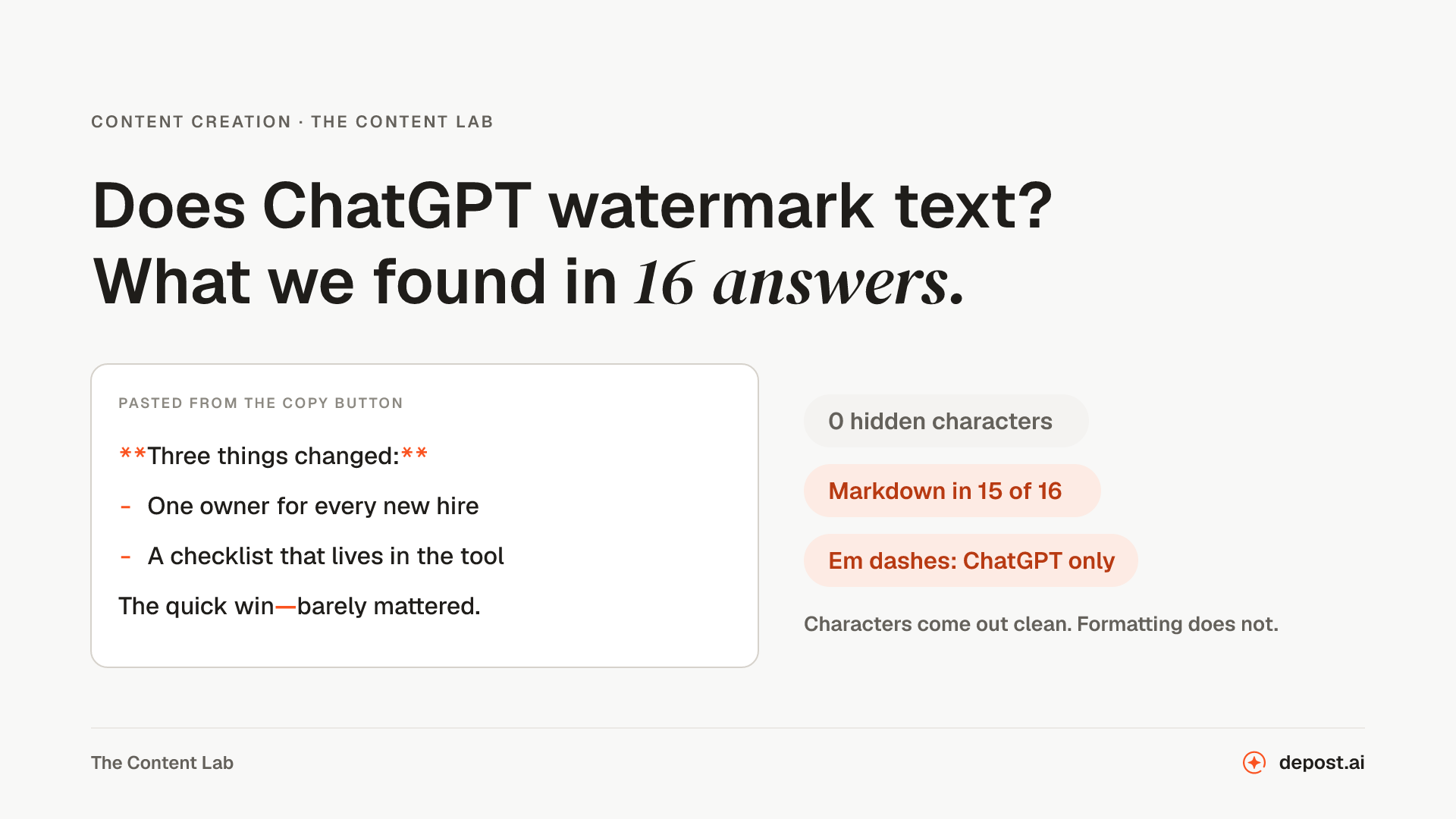 Content CreationDoes ChatGPT Watermark Text? What We Found in 16 AnswersDoes ChatGPT hide a watermark in the text it writes? What OpenAI says, where the hidden character rumor came from, what we found in 16 copied answers from ChatGPT and Claude, and what actually comes along when you paste a draft into LinkedIn.
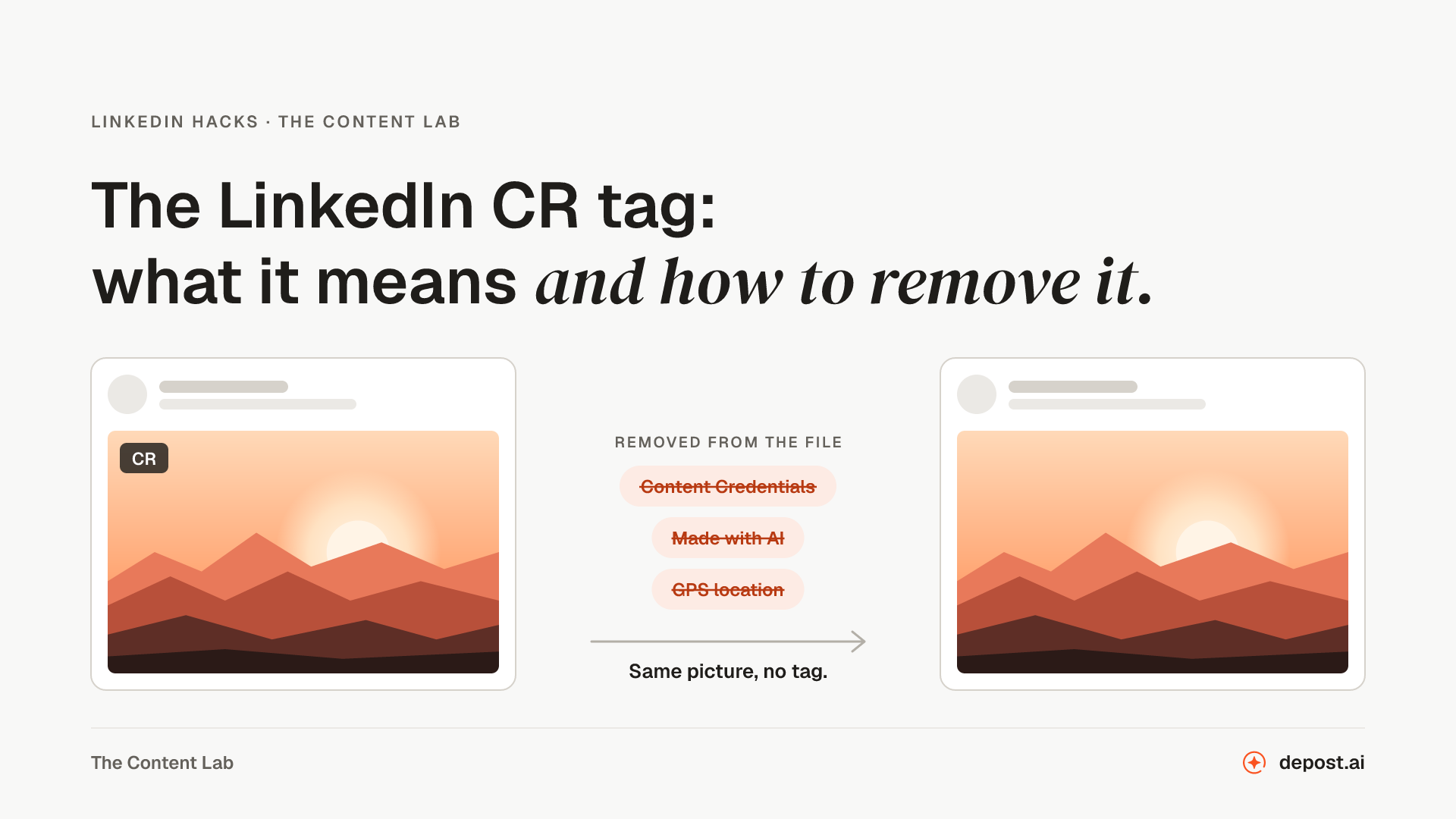 LinkedIn HacksThe LinkedIn CR Tag: What It Means and How to Remove ItThe CR tag on a LinkedIn image means the file carries Content Credentials. What they say, which tools add them, how to check an image before you post, and how to remove the CR tag without losing quality.
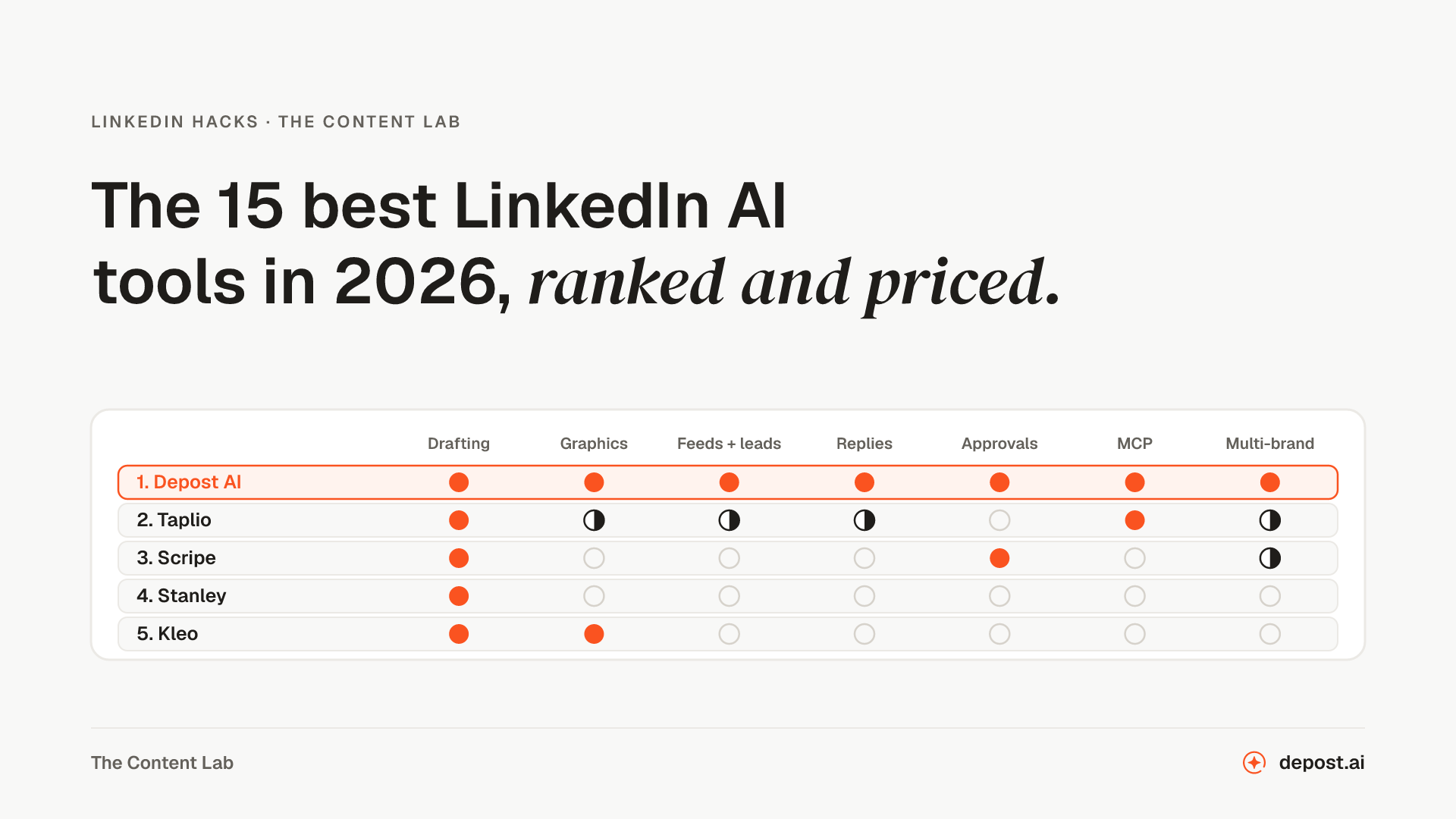 LinkedIn Hacks15 Best LinkedIn AI Tools in 2026, Ranked and PricedFifteen LinkedIn AI tools ranked, with what each one covers beyond writing the post, what it sends from your account without you, how the price scales past one person, and current monthly prices.