AI metadata remover
LinkedIn puts a CR tag on images that carry C2PA Content Credentials, the metadata ChatGPT, Claude, Adobe Firefly, and other tools write into the file. Drop images or videos to check what is in them, and get clean copies with that metadata removed and the picture untouched. Everything happens in your browser.
Just checking? Drop the file and read what it carries; downloading is optional. No file handy?
How to remove the CR tag from a LinkedIn image
- 1
Drop your images
Drop, paste, or choose one or several JPG, PNG, WebP, MP4, or MOV files. Each one is read in your browser as soon as it lands.
- 2
See what was in them
Each image lists what it carried, such as Content Credentials and who signed them, AI markers, prompts, and GPS location, and confirms nothing is left after cleaning.
- 3
Download and post
Save the clean copies, one at a time or all at once, and upload those to LinkedIn. There are no Content Credentials left, so there is no CR label.
What the CR tag on LinkedIn means
LinkedIn’s help page on Content Credentials is plain about it: the label goes on image and video content that is cryptographically signed with C2PA Content Credentials. C2PA is a standard for recording where a file came from, and the record is saved inside the file, the same way a phone photo stores the camera it was taken with. You cannot see it by looking at the image, but LinkedIn reads it on upload, which is when the “Content Credentials label added” notice appears.
So the tag is not LinkedIn judging the picture. It is LinkedIn reading a note the generator left in the file. The same help page says it is not yet possible to label all AI-generated content, which is the other side of the same fact: an image without the note gets no label.
How to check if an image has Content Credentials
Every file dropped above is read before anything is removed, so the tool doubles as a Content Credentials checker. The card lists what the file carries: the credentials and who signed them, whether they mark it as made or edited with AI, the camera and GPS location, and any prompt an AI tool wrote into it. If there are no credentials, LinkedIn has nothing to show a CR tag for, and you can post the original as it is.
When you click the tag on LinkedIn, the panel shows what the credentials say: an assertion about whether AI was used, the app or device, who created the image, and who issued the credential. The checker shows the same source, read straight from the file, before you post.
Remove metadata without losing quality
The usual way to strip metadata is to open the image and save it again. For a PNG, which is what ChatGPT downloads as, that is lossless and costs nothing. For a JPEG or WebP it costs another round of compression, and the color profile usually goes with the metadata. That only shows on wide-gamut photos, such as an iPhone’s, but it is a loss you do not need to take.
This tool walks the file’s own structure instead and cuts out only the blocks that hold metadata. We measured both approaches on a C2PA-signed test photo, 2048 × 1365, from the C2PA project’s own test files:
| This tool | Saved again, JPEG quality 100 | Saved again, JPEG quality 90 | |
|---|---|---|---|
| Pixels changed | None | 0.2% | 13.6% |
| Content Credentials left | None | None | None |
| Color profile | Kept | Dropped | Dropped |
Re-saving was done with sharp, a widely used image library, at the settings shown. On a real ChatGPT PNG signed by OpenAI, both approaches kept every pixel and removed the credentials, which is the honest result: for PNG the difference is small. Each file is read back after cleaning, and the card under it says what is left, not what should be.
What the AI metadata remover does not remove
- Watermarks hidden in the pixels, such as SynthID, which OpenAI says it uses alongside Content Credentials. They are part of the picture, not the file around it. LinkedIn’s CR tag reads the Content Credentials, not the watermark. OpenAI Verify may still find the watermark in a ChatGPT image after the metadata is removed.
- A visible logo or badge drawn onto the image. That needs cropping, or a new image.
- Videos stored in fragments, which some streaming and screen recording apps produce. They are left unchanged.
AI images for LinkedIn posts, without the CR tag
If you make post images with AI every week, cleaning each file by hand gets old. Depost AI designs the graphic for each post it drafts, in your brand style, and removes the file’s metadata before it goes to LinkedIn, so there is nothing to clean. You approve the post and the image together, and it publishes through LinkedIn’s official API.
Questions
- What is the CR tag on LinkedIn?
- It is LinkedIn’s Content Credentials label. LinkedIn adds it to images and videos that carry signed C2PA Content Credentials, metadata inside the file that records what made it and whether AI was involved. Clicking it shows that record: the app or device, who issued the credential, and any statement about AI. It comes from the file, not from LinkedIn looking at the picture, and it can appear on photos from some cameras too.
- What does “Content Credentials label added” mean, and how do I remove it?
- LinkedIn shows that notice when the file you upload carries Content Credentials, and the post will show the CR tag once it is live. It is not a warning. To post without the label, drop the image above, download the clean copy, and upload that one instead.
- How do I remove the CR tag from a LinkedIn image?
- Drop the image above, download the clean copy, and upload that one to LinkedIn. The tool cuts the Content Credentials out of the file, so LinkedIn has nothing to read and no label to show. LinkedIn reads the file when you upload it, so for a post that is already up, the dependable fix is to post the clean image again.
- Does removing metadata lower the image quality?
- No. The common way to strip metadata is to save the image again, which is harmless for a PNG but changes pixels in a JPEG or WebP, and often drops the color profile. This tool cuts the metadata blocks out of the file and leaves the image data exactly as it was: the same pixels, the same file type, the same color profile, and the same rotation. The file usually gets smaller, because the metadata was the only thing taken out.
- How do I check if an image has Content Credentials?
- Drop it above. The tool reads the file and lists what it carries: Content Credentials and who signed them, whether they mark the image as made or edited with AI, EXIF, GPS location, and AI prompts. If there are no Content Credentials, LinkedIn has nothing to show a CR tag for. Downloading the clean copy is optional, so it works as a checker too.
- Does it work on videos?
- Yes, MP4 and MOV. LinkedIn shows the CR tag on videos with Content Credentials too. The tool removes the credentials, XMP, and the device and location data phones record, and rewrites the internal offsets so the video plays exactly as before: the frames are not re-encoded. Videos stored in fragments are left unchanged, because cutting them safely is not possible without re-encoding.
- Which AI tools add Content Credentials?
- OpenAI and Adobe both say their image generators attach C2PA Content Credentials, which covers images made in ChatGPT and in Adobe Firefly. Anthropic says that since August 2026, Claude attaches them to the image files it creates too. Other generators and editing apps add them as well, and the list grows. The tool names the signer when the credentials say who it was, so you can see where a label would have come from.
- Does this make an AI image undetectable?
- No, and it is not meant to. It removes metadata, the information stored alongside the picture. Some generators also hide a watermark in the pixels themselves: OpenAI says ChatGPT images carry a SynthID watermark alongside Content Credentials, and Google uses SynthID too. Removing metadata does not touch a watermark in the pixels, and OpenAI Verify may still find it after the metadata is gone. A visible logo or sparkle drawn into the corner is part of the picture too, and has to be cropped. Where it matters that an image was made with AI, say so in the post.
- What else does it remove?
- Everything that is not the image: EXIF data such as the camera, the software, and the GPS location where a photo was taken, XMP and IPTC fields, comments, and the prompt and settings some AI tools write into PNG files. The GPS location is worth removing from any photo before posting it publicly, AI or not.
- Are my images uploaded anywhere?
- No. The files are read and cleaned in your browser, on this page, and the clean copies are saved straight to your device. Nothing is sent to our servers.
From the blog
All posts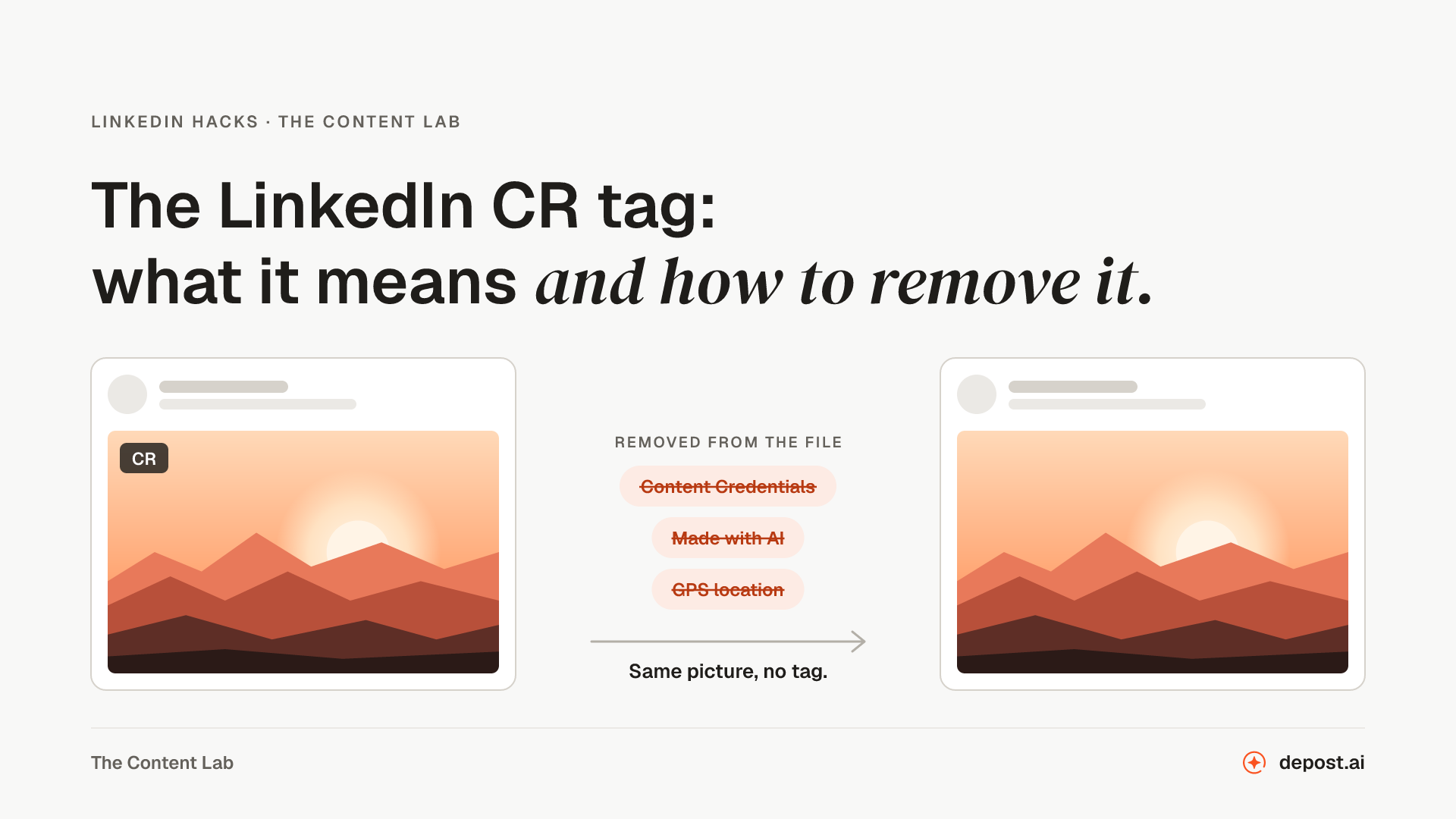 LinkedIn GuidesThe LinkedIn CR Tag: What It Means and How to Remove ItThe CR tag on a LinkedIn image means the file carries Content Credentials. What they say, which tools add them, how to check an image before you post, and how to remove the CR tag without losing quality.
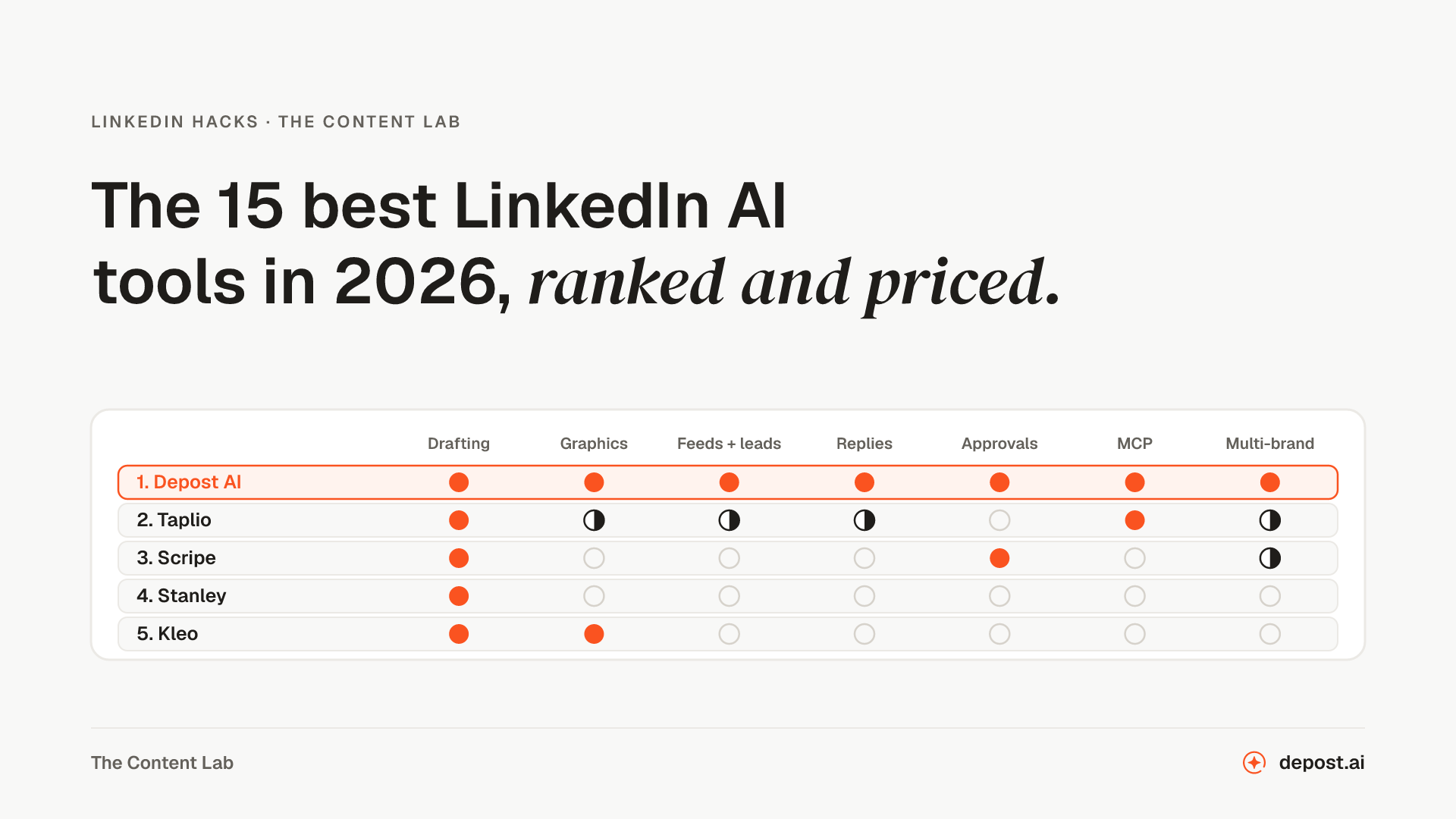 Tools15 Best LinkedIn AI Tools in 2026, Ranked and PricedFifteen LinkedIn AI tools ranked, with what each one covers beyond writing the post, what it sends from your account without you, how the price scales past one person, and current monthly prices.
Next
PDF Metadata Remover
Shows the author, app, dates, and hidden data inside a PDF, then saves a copy without them. The pages are untouched and the file never leaves your browser.
AI Content Detector for LinkedIn
Checks a draft for the patterns that make a post read as generated, and names the line that gave it away.
Invisible Character Remover
Finds the zero-width spaces, no-break spaces, and other hidden characters in pasted ChatGPT or AI text, marks where each one is, and copies the text back without them, Markdown asterisks included.
Make LinkedIn your
best-performing channel.
Brief your team once. It studies, plans, writes, designs, and schedules. You approve.
Your brief comes with you: once you're set up, it's the team's first job.
7 days free · Strategy in your first 15 minutes · Cancel anytime