PDF metadata remover
Drop in a PDF to see what it says about itself, then download a copy without it: the author, the app that made it, the dates, the XMP packet, and any private data an app left inside. The pages are not changed. Everything happens in your browser, so the file is never uploaded.
This PDF carries no metadata. There is nothing to remove.
How to remove metadata from a PDF
- 1
Drop in the PDF
Drop the file into the box, or click to choose it. It is read on your device.
- 2
Read what it holds
The table lists every field in the file: author, the app that made it, the dates, and any hidden blocks.
- 3
Remove and download
Click Remove and download. Tick Keep the title first if you want the title to stay.
- 4
Use the clean copy
The new file is saved with -clean in its name. It was read a second time to confirm that nothing is left.
What gets removed
| In the file | What it reveals |
|---|---|
| Title, author, subject, keywords | Who wrote the document and what they called it, often a working file name. |
| Made with, saved by | The app and version that created the file, such as Word, Canva, Illustrator, or an AI tool. |
| Created and last changed | The dates and times, with your time zone. |
| XMP packet | A second copy of the details above, sometimes with an edit history and a document ID. |
| XMP on pages and images | Details an app attached to one page or one picture, such as the camera or the editing app. |
| App data | Private data a design app keeps for itself, such as an editable copy of the artwork. |
| File ID | A code that ties this copy to the original file. |
| Leftovers | Data from earlier saves that no page uses any more. |
What stays
Everything you can see. The text, the fonts, the images, the links, and the page order are carried over as they are, so the cleaned PDF prints and reads the same. Bookmarks and form fields stay too.
Some things that feel like metadata are part of the document and are not removed: comments and notes, attached files, and hidden text or layers. If a reviewer’s name is in a comment, delete the comment in the app that made the file. A PDF locked with a password cannot be changed here.
Before you post a PDF on LinkedIn
A carousel on LinkedIn is a PDF, and LinkedIn Help says members who can view the post will be able to download the document as a PDF. Clean the file first if you would rather not hand out your name, your client’s file name, or the app you used. Then run it through the carousel tester to check the size and the slides.
For photos and videos, the AI metadata remover does the same job and also removes the Content Credentials behind LinkedIn’s CR tag.
Depost AI plans, writes, and designs your LinkedIn posts in your voice, and publishes them once you approve them.
Questions
- How do I remove metadata from a PDF?
- Drop the PDF into the tool. It lists what the file says about itself: title, author, the app that made it, the dates, and any hidden data blocks. Click Remove and download to save a copy without them. The pages look exactly the same.
- What metadata does a PDF contain?
- Most PDFs carry a title, an author name, the app that created the file, the app that saved it, and the dates it was created and last changed. Many also hold an XMP packet, which repeats those details and can add an edit history and a document ID. Design apps such as Illustrator and InDesign add private data of their own.
- Does this remove AI metadata from a PDF?
- Yes, where it is stored as metadata. A PDF made by an AI tool or exported from one usually names that tool in the Made with or Saved by field, or in the XMP packet. All of those are removed. Nothing on the pages is changed, so wording or pictures made by AI stay as they are.
- Is the PDF uploaded to a server?
- No. The file is read and rewritten in your browser, so it is safe for contracts, resumes, and anything else you would not hand to a website.
- Does removing metadata change how the PDF looks?
- No. The text, fonts, images, and layout are carried over untouched. Only the information about the file is taken out. The cleaned file is often smaller.
- Will the PDF still open in Illustrator for editing?
- It will open, but not as the original artwork. Illustrator keeps an editable copy of the artwork inside the PDF as private app data, and that is one of the things removed. Keep your original file, and use the cleaned one for sharing.
- What does it not remove?
- Anything that is part of the document itself: the visible pages, comments and notes, form fields, attached files, and hidden text or layers. It also cannot change a PDF that is locked with a password. If names appear on the pages or in comments, remove them in the app that made the file.
- Should I remove metadata before posting a PDF on LinkedIn?
- It is a good habit. LinkedIn lets people who can see a document post download it as a PDF, so the author name, your company’s file name, and the app you used go with it unless you take them out first.
From the blog
All posts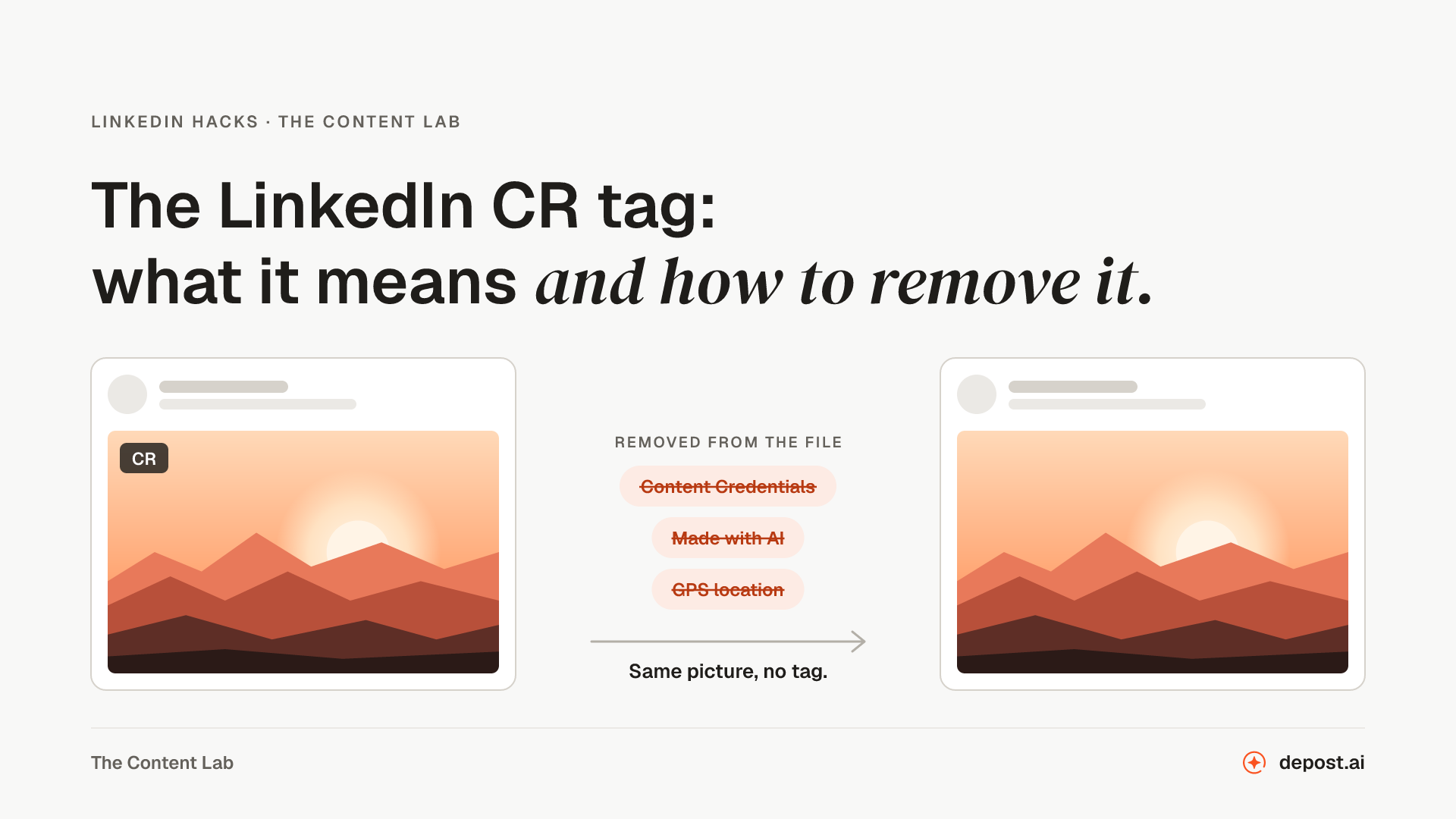 LinkedIn HacksThe LinkedIn CR Tag: What It Means and How to Remove ItThe CR tag on a LinkedIn image means the file carries Content Credentials. What they say, which tools add them, how to check an image before you post, and how to remove the CR tag without losing quality.
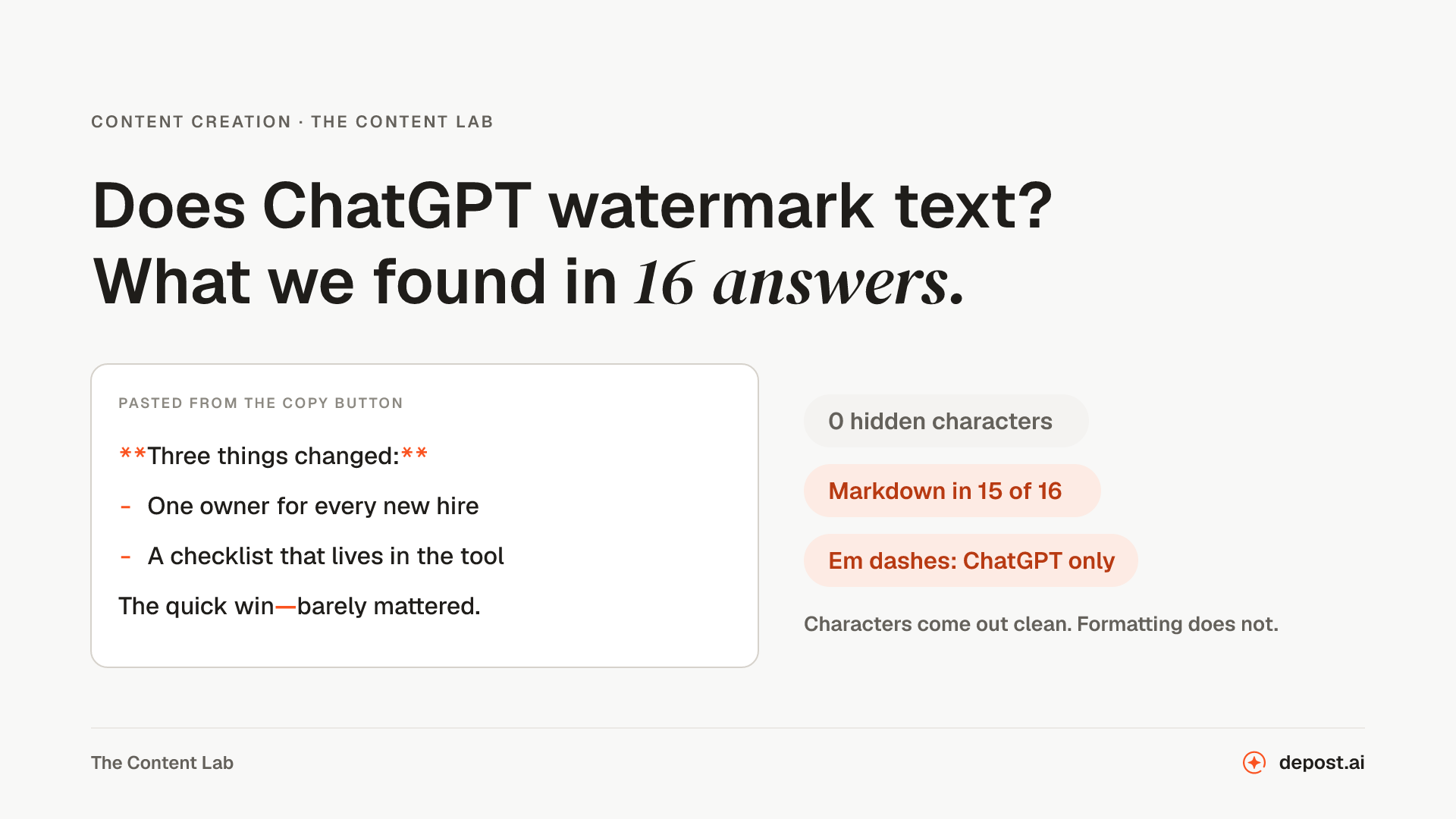 Content CreationDoes ChatGPT Watermark Text? What We Found in 16 AnswersDoes ChatGPT hide a watermark in the text it writes? What OpenAI says, where the hidden character rumor came from, what we found in 16 copied answers from ChatGPT and Claude, and what actually comes along when you paste a draft into LinkedIn.
Next
AI Metadata Remover
Checks and removes the C2PA Content Credentials behind LinkedIn’s CR tag, plus EXIF, GPS, and AI prompts, from images and videos, with the pixels left exactly as they were.
LinkedIn Carousel Tester
Drop in your carousel PDF and click through it inside a LinkedIn post at desktop and phone width, with checks for file size, pages, page size, layers, and the smallest text.
Invisible Character Remover
Finds the zero-width spaces, no-break spaces, and other hidden characters in pasted ChatGPT or AI text, marks where each one is, and copies the text back without them, Markdown asterisks included.
Make LinkedIn your
best-performing channel.
Brief your team once. It studies, plans, writes, designs, and schedules. You approve.
Your brief comes with you: once you're set up, it's the team's first job.
7 days free · Strategy in your first 15 minutes · Cancel anytime