LinkedIn hook generator
The first line of a LinkedIn post does the work of the whole thing: the feed shows about three lines before 'see more', and the click decides who reads the rest. Paste your draft below and get five alternative openings, each a different angle on what your post already delivers, none of them clickbait it cannot pay off.
Result
This is the shape of what comes back. Fill in the form, or hit "Try an example", and the grey turns into words.
Writing, usually 15 to 30 seconds.


Example run
Five hooks for the same post
Same post, five different doors in. Each hook stays under the 200 characters that show above the fold and only promises what the post actually delivers.
What went in
- Your draft post
- Last year we raised prices 40% and braced for churn. Churn went down. The customers who left were the ones who filed the most tickets and used the fewest features. The ones who stayed suddenly took us more seriously. Our NPS went up 11 points. Pricing is positioning. If nobody complains about your price, it is probably telling people you are a commodity.
What came back
We raised prices 40% and churn went down.
We braced for churn after a 40% price increase. We were bracing for the wrong thing.
If nobody complains about your price, that silence is costing you customers.
The week our 40% price increase went live, I kept refreshing the cancellations dashboard. It stayed empty.
Your cheapest customers are probably your most expensive ones. Ours were, and it took a 40% price rise to see it.
Why it matters
Three lines decide the whole post.
The feed shows the first lines and a “see more”. Everything after the cut only exists for the readers the hook earned.
3
lines of a post show in the feed before the “see more” cut. The hook is the post.
LinkedIn feed
5.20%
the average LinkedIn engagement rate in 2026. The first line is where you beat it.
Socialinsider, 2026
8×
more engagement for personal profiles than company pages. The feed wants a human voice from line one.
Industry data
Not our numbers. Socialinsider’s and industry benchmarks’.
Beyond the demo
This page writes from a form. Depost AI writes from your own posts and analytics.
The generator above works with whatever fits in a few fields. Connect LinkedIn to Depost AI, the AI content team B2B founders and teams run on LinkedIn, and the same kind of draft starts from your analytics, your voice, and the buyers you are actually trying to reach.
Drafts that start from your analytics
The agents read your posting history first: the hooks that earned the click, the pillars your audience answers, the rhythm of what worked. The draft sounds like you because it learned from you, not from a form.
A reply ready for every person who matters
Build custom lists of the people you want to stay visible to. Their new posts arrive in one feed with a comment drafted in your voice under each. You edit or approve every one before it goes anywhere.
From draft to published, without the paste
Finished drafts go to the queue and publish through LinkedIn’s official API, with the first comment written alongside. Connection notes and follow-ups are drafted with the context already in place. Nothing goes out until you approve it.
Connect LinkedIn and you have a strategy, your pillars, and your first post ideas in about fifteen minutes.
Paste the finished post, not the idea
The hooks are written against what your post actually delivers, so a half-written draft produces openings the post cannot pay off. That is how clickbait happens by accident.
Write the hook last. A hook is a promise, and you can only promise what you already have. This is why the field asks for the post rather than the topic.
Include the ending. The strongest opening line is often a rephrasing of your final paragraph, which the tool can only find if you paste it.
The five angles, and when each works
The generator varies the angle deliberately, because different posts earn attention differently. A number or result ("We raised prices 40% and churn went down") works when the post has a surprising outcome. A mistake or tension ("I braced for churn. The opposite happened") works when the story has a turn. A contrarian claim ("Pricing is positioning, not math") works when the post can actually defend it. A specific moment ("The email arrived at 11pm on a Friday") works for narrative posts. And direct address ("If nobody complains about your price, read this") works when you know exactly who the post is for.
Picking between them is a judgment about your post, not about hooks in general. The one rule that holds across all five: the hook must be paid off by the post. An opening that overpromises buys one click and costs the next ten, because feeds have memory in the form of readers who recognise your name. In B2B that memory is sharper still: your real audience is a few thousand founders, buyers, and peers who see your name every week, not an endless stream of strangers.
Check where the cut actually falls
The "see more" cut is measured in rendered lines, not characters, which means the same hook can sit above the fold on desktop and get clipped on a phone. After you pick a hook, paste the post into the post preview tool on this site: it lays the text out at the feed's real width for desktop, tablet, and phone, and shows exactly what a reader sees before deciding. If the hook plus one supporting line fits cleanly, you are done. If the cut lands mid-sentence, break the line earlier and let the white space work for you.
Questions
- What is a hook on LinkedIn?
- The first line of a post, and in practice the only part most people read. The feed shows about three lines before collapsing the rest behind "see more", so the hook's one job is to make clicking that worth it. A good hook is a concrete claim, a tension, or a specific moment; a weak one is a warm-up sentence that assumes the reader is already interested.
- How does this hook generator work?
- Paste a finished or nearly finished post. You get five alternative opening lines written against what the post actually delivers, each under 200 characters so it survives the cut, and each taking a different angle: a number, a mistake, a contrarian claim the post can back up, a specific moment, a direct address to the reader.
- Why write the hook after the post?
- Because the hook is a promise, and you can only promise what you have. Writing the hook first tempts you into an opening the post cannot pay off, which readers experience as clickbait. Writing it last, from the strongest thing already in the post, keeps the promise honest, and honest hooks keep working the fifth time someone sees your name.
- What makes a bad LinkedIn hook?
- Stacked questions ("Struggling with X? Tired of Y?"), announcements ("Excited to share..."), and openings that summarise instead of intrigue. The pattern underneath all three is spending the three visible lines on throat-clearing. The generator is instructed against all of them, and against clickbait the post cannot deliver on.
- Is it free?
- Yes, without an account. A daily cap keeps it available for everyone. Your draft is sent once to generate the hooks and is not stored.
- Can it tell me which of my hooks worked before?
- Not from this page; it only sees the post you paste. Depost AI can, because it reads your full analytics history: which openings earned the click on your audience and which you have already used four times. That memory is the difference between a good line and a good line you have not worn out.
From the blog
All posts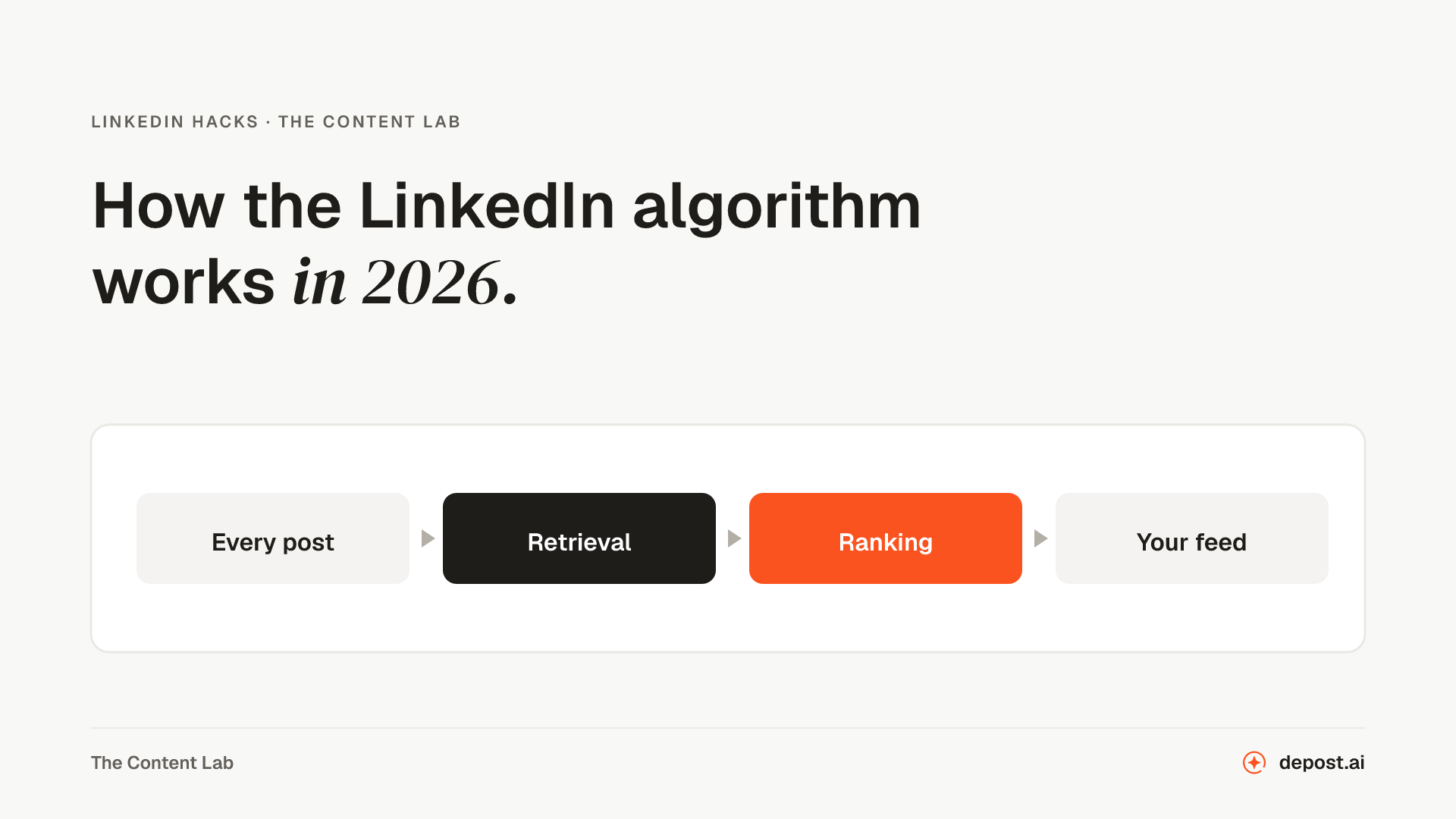 LinkedIn GuidesHow the LinkedIn Algorithm Works in 2026LinkedIn rebuilt feed ranking in March 2026 and published how it works. Here is what the company confirmed, what third parties measured, and what is still guesswork.
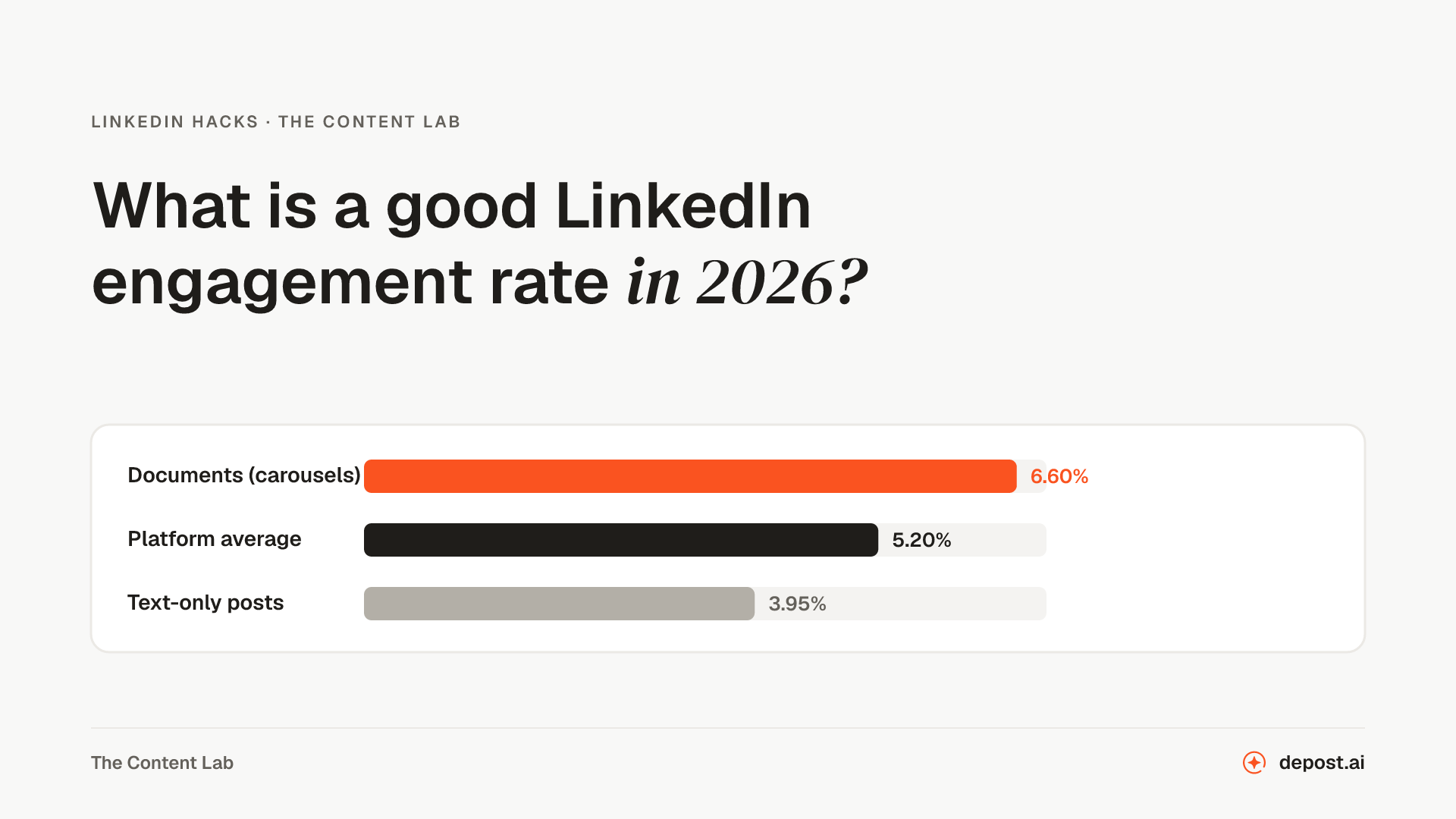 LinkedIn GuidesWhat Is a Good LinkedIn Engagement Rate in 2026? Benchmarks by FormatThe 2026 benchmarks by format, the three formulas behind them, why two different rates for the same post can both be right, and what actually moves the number.
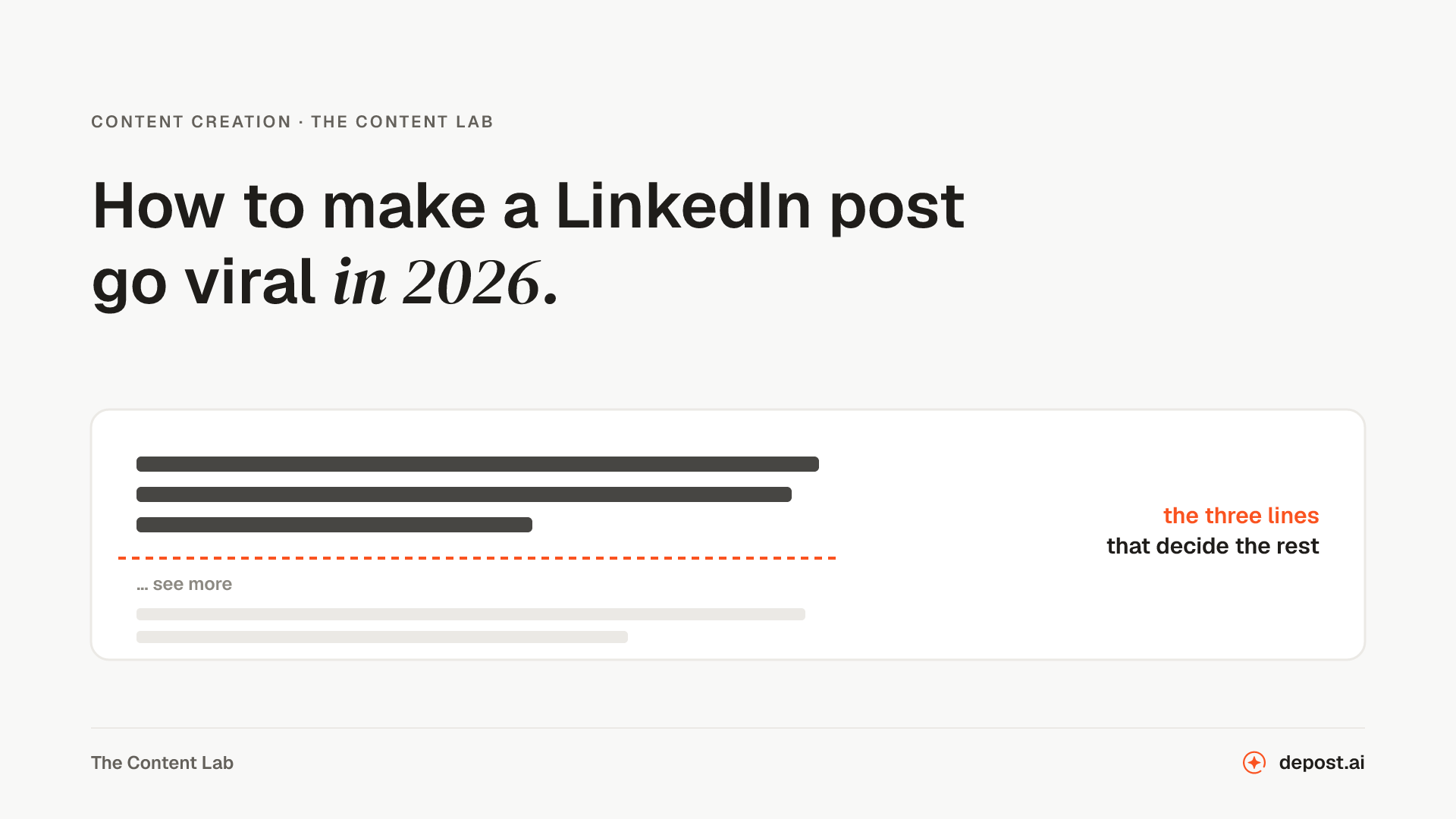 Content Creation10 Tips to Make LinkedIn Posts Go Viral in 2026Ten things that move a LinkedIn post in 2026, and what the March algorithm rebuild changed about how far one travels after the first hour.
Next
LinkedIn Viral Post Generator
A finished post from a rough thought, a link, or a few bullet points, with the hook, the pacing, and the ending the feed rewards.
LinkedIn Post Preview
See where the "see more" cut lands and how the post reads on a phone, before you publish rather than after.
LinkedIn Character Counter
Live counts against the real limits for posts, headlines, About sections, and connection notes.
Make LinkedIn your
best-performing channel.
Brief your team once. It studies, plans, writes, designs, and schedules. You approve.
Your brief comes with you: once you're set up, it's the team's first job.
7 days free · Strategy in your first 15 minutes · Cancel anytime