LinkedIn viral post finder
Type a topic you want to post about, or @ a creator, and see ten real viral LinkedIn posts from the Depost AI library of 150k+. They are ranked by how far each post beat what is normal for its account, not by raw likes, so you see what worked rather than who is famous.
Searching 150k+ viral posts…
No close matches for that.
The library only shows posts that are actually about what you typed. Try the topic in plainer words, or a broader one. A search that finds nothing does not count toward your five.
The library follows the creators whose posts go viral most often. Try a topic instead, or one of the creators further down this page. This search did not count toward your five.
That is today’s five free searches.
Creators going viral on LinkedIn right now
The 18 creators with the most viral posts in the Depost AI library over the last 90 days, counted on November 27, 2026. Pick one to see their ten most viral posts.
- Rasel Ahmed
UX and product design
76 viral posts · 66k followers
- Justin Welsh
Solopreneurship
72 viral posts · 895k followers
- Alex Hormozi
Scaling a business
50 viral posts · 1.1M followers
- Adriaan Dekker
Google Ads
43 viral posts · 235k followers
- Colby Kultgen
Self-development
37 viral posts · 534k followers
- Lara Acosta
Personal branding
36 viral posts · 381k followers
- Justin Wright
Leadership
33 viral posts · 752k followers
- Jasmin Alić
Personal branding
33 viral posts · 387k followers
- Ronnie Kinsey
Executive leadership
29 viral posts · 264k followers
- Codie A. Sanchez
Buying small businesses
29 viral posts · 623k followers
- Elfried Samba
Social media
27 viral posts · 426k followers
- Linas Beliūnas
Fintech and AI
27 viral posts · 714k followers
- Michael Aguilar
Sales
26 viral posts · 433k followers
- Daniel Hemhauser
Project management
25 viral posts · 108k followers
- Michael Lee
B2B revenue
25 viral posts · 59k followers
- Natan Mohart
AI and business
24 viral posts · 102k followers
- Howard Chi
Finance leadership
23 viral posts · 80k followers
- Melissa Grabiner
Job search
18 viral posts · 519k followers
Why likes are the wrong way to rank
Most viral post finders sort by likes or comments. That mostly tells you who has the biggest audience. A post with 200 comments from an account with 400,000 followers did worse than that account usually does. A post with 40 comments from an account with 2,000 followers did far better than its writer usually does, and it is the one worth learning from.
Every post in the Depost AI library has a virality score that compares it with what is normal for an account that size. The finder blends that score with how closely the post matches what you typed, so the top results are on your topic and did unusually well for the person who wrote them.
Search by topic or by creator
A topic works best in the words you would use to describe your own post: “pricing a SaaS product”, “quitting a corporate job”, “first 100 customers”. The search matches meaning, so you do not need the exact phrase the writer used, and a sentence works as well as a keyword.
A creator is @ and their LinkedIn username (the part after linkedin.com/in/), their profile link, or their full name. You get their ten most viral posts in the library, best first. It is the quickest way to study one writer: what they open with, how long they go, and what they ask for at the end.
What to look for in the results
Read the opening lines first. They are what stopped the scroll, and they are the part of a viral post that carries over best: a number, a contrast, a confession, a plain claim someone could disagree with. Then open the post on LinkedIn and look at how it is built and how it ends, and at what the comments are responding to.
Ten posts on one topic usually share two or three moves. Those moves are what to borrow. The stories and the results are the writer’s own.
Questions
- How do I find viral LinkedIn posts on a topic?
- Type the topic into the box above, in your own words, and press Find posts. You get up to ten real posts about it from the Depost AI library of 150k+ viral LinkedIn posts, each with the author, the likes, the opening lines and a link to the post on LinkedIn.
- Can I see a specific creator’s most viral posts?
- Yes. Type @ and their LinkedIn username, paste their profile link, or type their full name, and you get their ten most viral posts in the library, best first. The creators further down this page are one click each. If someone is not in the library yet, the finder says so instead of guessing.
- How are the posts chosen?
- By what they are about and by how well they did. The search reads the meaning of what you typed, so “hiring your first employee” also finds posts about a first hire that never use those words. Among the posts that match, the ones that beat what is normal for their account rank higher, and no single creator takes more than two of the ten places.
- Why not just sort by likes or comments?
- Because that sorts by account size. A post with 200 comments from someone with 400,000 followers did worse than usual, and a post with 40 comments from someone with 2,000 did far better. Every post in the library carries a score for how far it beat its own account’s normal, and that is what the ranking uses.
- Who are the top creators on LinkedIn right now?
- The list on this page is the 18 creators with the most viral posts in the Depost AI library over the last 90 days, with the date it was counted. It changes as people post. Inside Depost AI you can filter the whole library by creator and read every viral post they have in it.
- Can I filter the posts by format, industry or date?
- Not here. This page shows ten posts for whatever you type. Inside Depost AI the viral posts library has the full 150k+ posts, with filters for format, pillar, industry, creator and virality, and a read on each post: its hook, its call to action, and why it worked.
- Are these real LinkedIn posts?
- Yes. Every result is a public post someone published on LinkedIn, shown with their name and linked to the original, so you can read the whole post and its comments there.
- Can I copy a viral post?
- Borrow the shape, not the words. What usually carries over is the first line’s move, the structure, and the kind of ending. The story, the results and the numbers belong to the person who wrote it. Depost AI works the same way: it takes the pattern from a viral post and writes your version from your own material.
- Do I need an account?
- No. The finder is free and needs no login and no email. An account gets you the whole library, the filters, and the option to turn any post into a draft of your own in chat.
From the blog
All posts Content Creation10 Tips to Make LinkedIn Posts Go Viral in 2026Ten things that move a LinkedIn post in 2026, and what the March algorithm rebuild changed about how far one travels after the first hour.
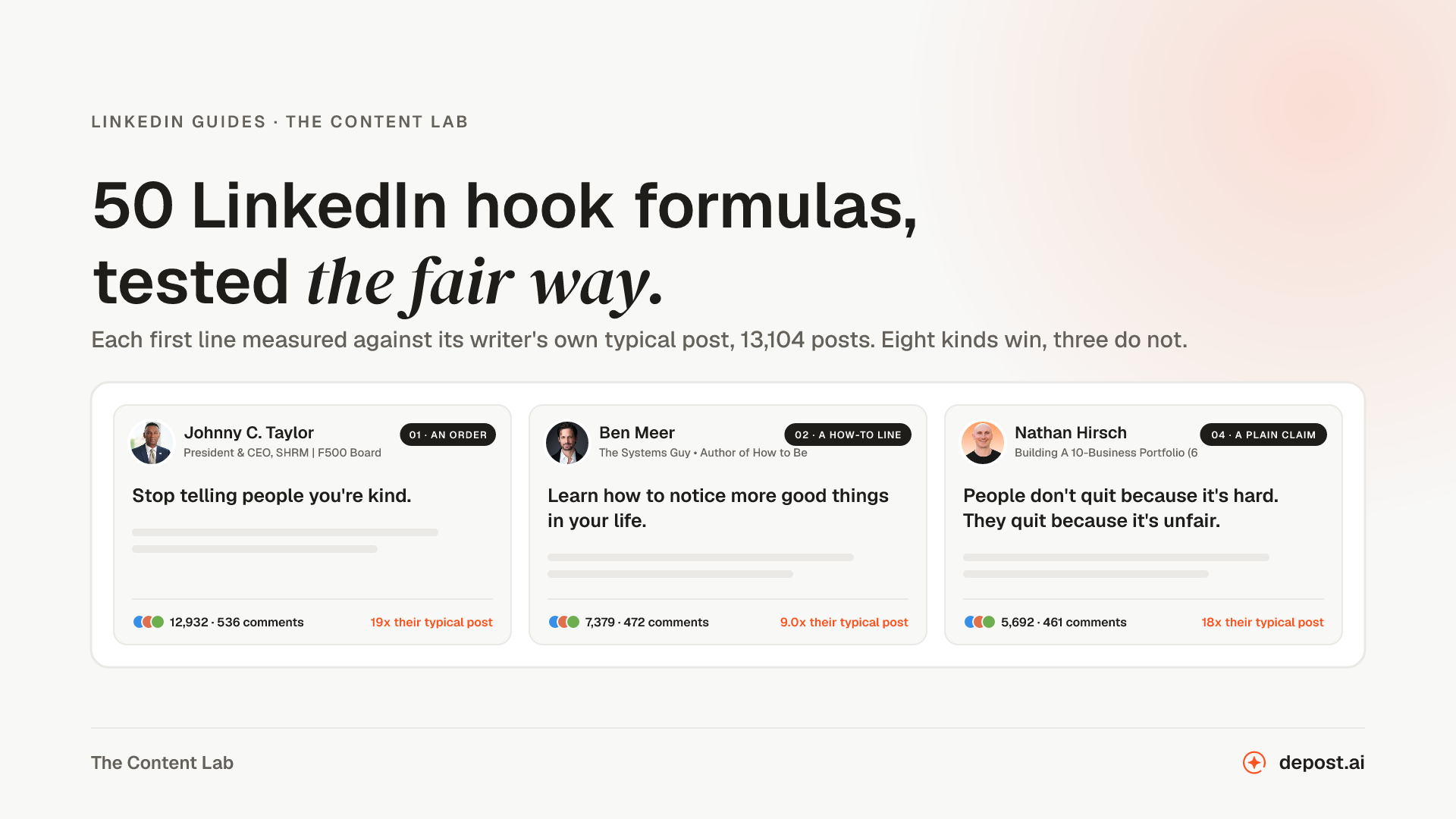 LinkedIn Guides50 LinkedIn Hook Formulas That Win in 2026, Each With the Post That Proved ItWe scored eleven kinds of LinkedIn opening line against each writer's own typical post, across 13,104 posts from July to October 2026. Eight kinds win and three do not. Here are 50 formulas from the eight, each with the real post that proved it.
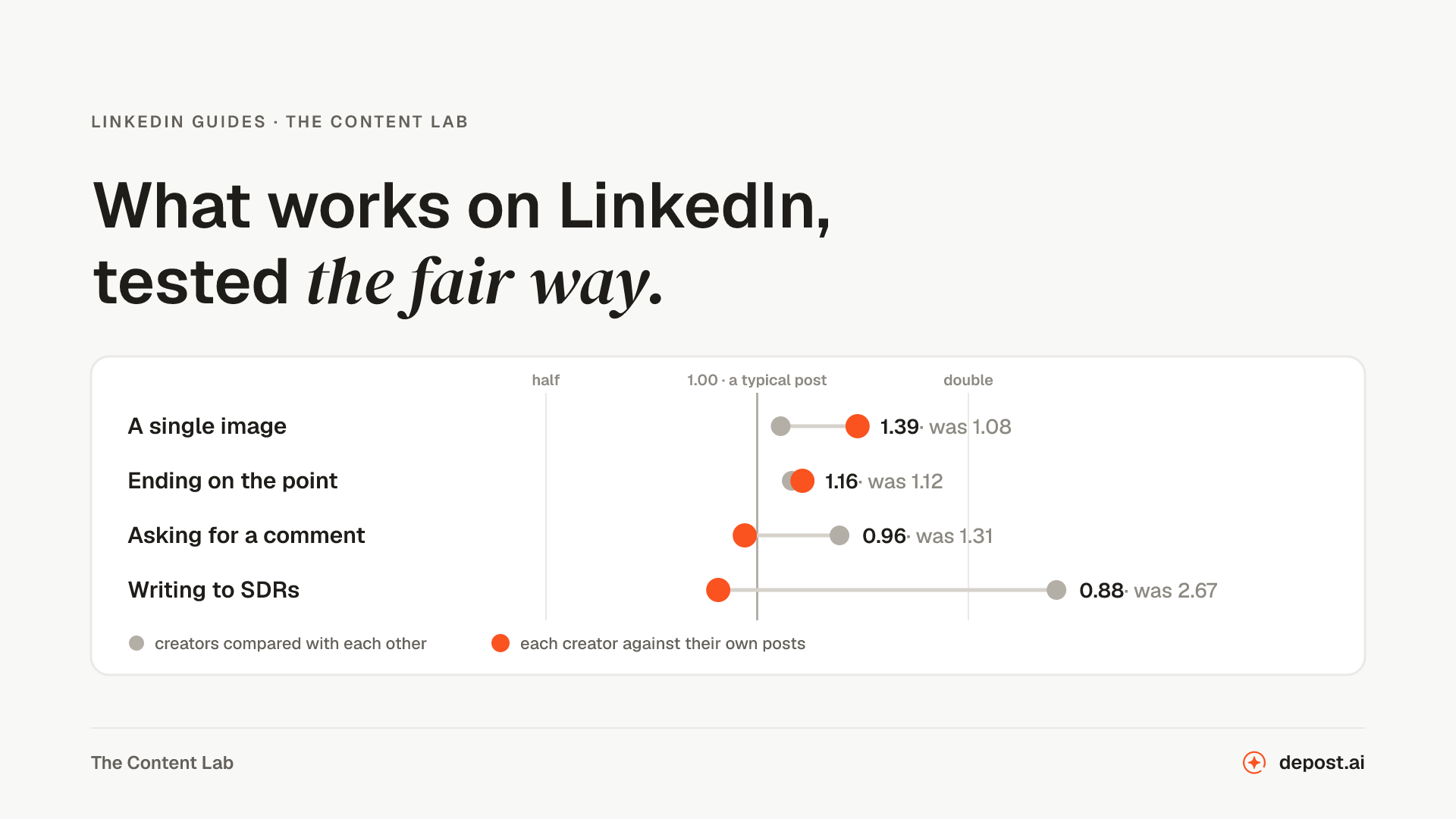 LinkedIn GuidesWhat Works on LinkedIn in 2026: 14 Rules Tested Against Each Creator's Own PostsWe scored 12,791 LinkedIn posts from July to October 2026 against each writer's own average instead of against each other. Seven rules held, seven collapsed, and one reversed.
Next
LinkedIn Post Analyzer
A grade out of 100 against a fixed rubric, the lines to rewrite with a fix for each, and the lines to keep.
LinkedIn Hook Generator
Several openings for a post you have already written, since the first two lines are the only part most people see.
LinkedIn Viral Post Generator
A finished post from a rough thought, a link, or a few bullet points, with the hook, the pacing, and the ending the feed rewards.