LinkedIn profile picture downloader
Paste the link of any post someone wrote and get their LinkedIn profile picture at 400 × 400, the largest copy LinkedIn makes public. You see it in the circle and as the square file, with its exact size, and it downloads straight from LinkedIn’s image server. No login.
Why the photo comes from a post
The obvious way to build this tool is to read the profile page. We tried it first, and there are two problems. LinkedIn turns away profile requests that come from a server, so a tool that promises to read any profile is either signed in as someone or working around LinkedIn’s block. And when a signed-out profile page does load, it only includes the photo at 200 × 200, half the size of the copy on their posts.
Posts do not have either problem. LinkedIn shows a public post to anyone, and the post page carries its author’s photo at 400 × 400, under a different address from the profile’s smaller copy. So the tool reads the post and keeps only the author: the photo, the name, and the link back to the profile. Nothing signs in, and the image comes to your browser straight from LinkedIn.
400 × 400 is the ceiling, and the tool says so rather than dressing it up. Each LinkedIn image address is signed for one size, and asking for a bigger size of the same photo is refused. The size shown in the result is measured from the file that actually arrived.
What people use it for
- Getting your own photo back after the original file went missing with an old laptop or phone.
- Putting a face on a CRM record, so the next call starts with you recognizing the person.
- Filling in a speaker lineup or a team page with photos the people in it have agreed to share.
- Checking which photo a new contact is using before you meet them in person.
When the photo is yours
If you came here for your own picture, the question behind it is usually whether it is still the right one. The profile picture resizer opens the photo you just found, shows it on a profile, on a post, and in a comment, and exports a fresh square that uploads the first time. The banner maker covers the image behind it, and the banner size guide has every other size LinkedIn publishes.
The photo is what people see first. What keeps them on the profile is the posts under it, and that is the part Depost AI does: it learns your voice from the posts you have already written, drafts new ones from your analytics, and publishes them once you approve.
Questions
- How do I download someone’s LinkedIn profile picture?
- Open their profile, go to Activity, and copy the link of any post they wrote from the post’s three-dot menu. Paste it above and press Get the photo. Their picture appears as LinkedIn shows it and as the square file, with its exact size, and Download photo saves it as a JPG.
- Why does it need a post link instead of a profile link?
- LinkedIn turns away tools that try to read profile pages from a server. Public posts are different: LinkedIn shows them to anyone, and every post carries its author’s photo. It is also where the better copy is. A signed-out profile page only includes the photo at 200 × 200, while the person’s own posts carry it at 400 × 400.
- What size is the downloaded photo? Is it HD?
- It is 400 × 400 pixels, the largest copy of a profile photo LinkedIn makes public. There is no bigger public version to request. A file larger than that from a public profile has been enlarged after the fact, which adds pixels but not detail.
- Does the person know I downloaded their photo?
- No. The tool reads the public post page while signed out, so nothing is tied to your account and it does not appear in their list of profile viewers. Opening their profile to find a post is a normal profile view, the same as any other visit.
- Can I download my own LinkedIn profile picture?
- Yes. Paste the link of one of your own posts. If the original file is lost and you want a new crop, a different background, or a bigger square, press Reframe or resize it and the photo opens in the profile picture resizer.
- Does it work for company page logos?
- Only in a small way. A post a company published does carry its logo, and the tool will show it, but LinkedIn only puts a 100 × 100 copy of a company page logo on its posts. For a logo you intend to use, ask the company for the file; most keep a press or brand page.
- Why is there no photo, or only a 200 × 200 one?
- If the person has no photo, or has set it to be visible to signed-in members only, LinkedIn leaves it off the public page and there is nothing to download. A 200 × 200 result means the post only carried the smaller copy; a more recent post by the same person usually has the 400 × 400 one.
- Is it OK to use someone else’s profile picture?
- Keeping a copy for a CRM record or to recognize someone before a meeting is one thing. Publishing it is another: the photo belongs to the person in it, and often to the photographer too. Ask before you put it on a website, an event page, or an ad, and do not use it to present yourself as them.
From the blog
All posts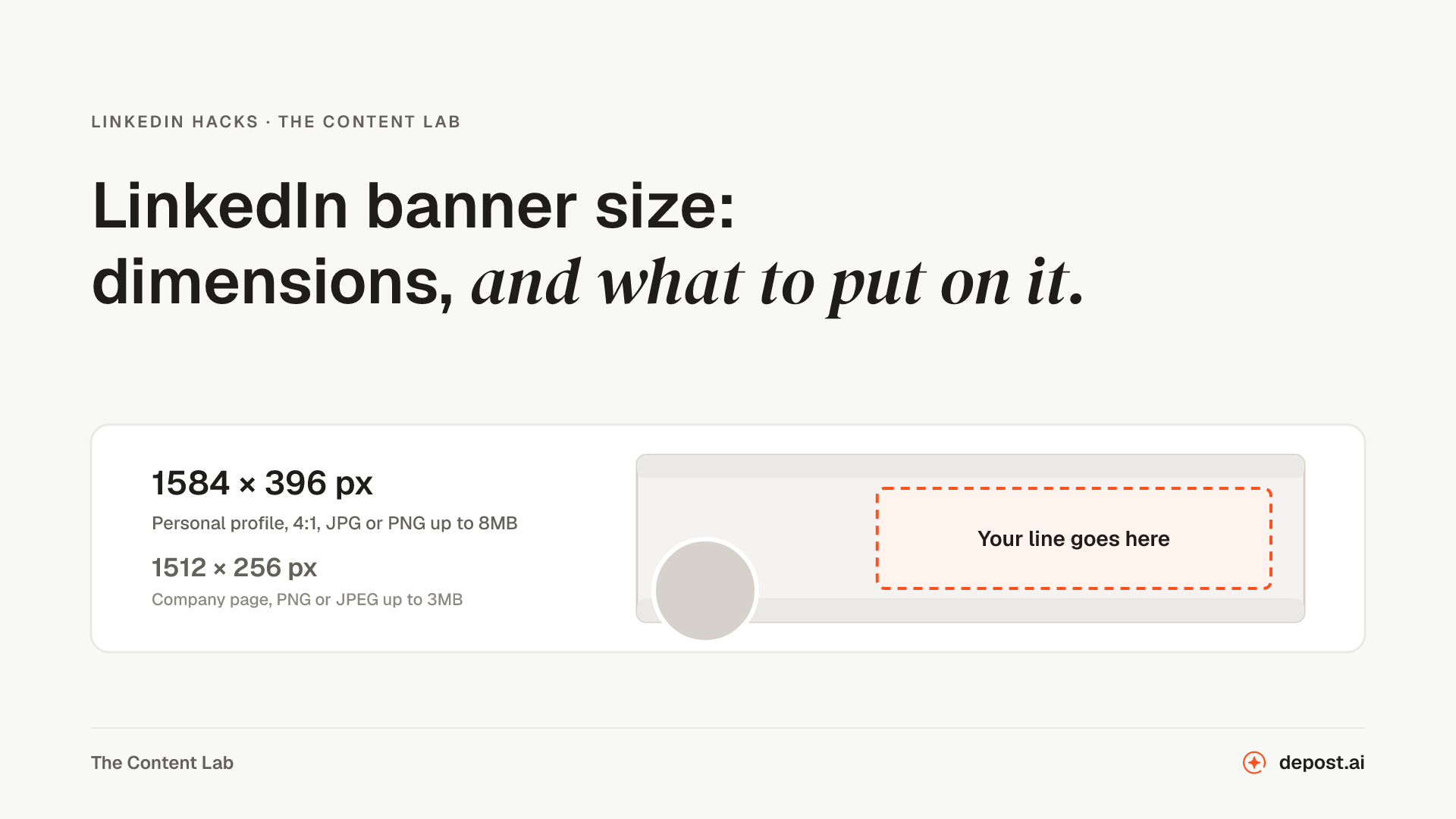
Next
LinkedIn Profile Picture Resizer
Your photo framed in LinkedIn’s circle and exported as a square that uploads the first time, checked against the 8MB limit. Nothing leaves your browser.
LinkedIn Profile URL Finder
Where to find your profile link, the clean public form of it, the short form for a resume, and a check against LinkedIn’s rules for a custom link.
LinkedIn Image Downloader
Every image in a public post, with its size, saved one at a time or all together, straight from LinkedIn’s CDN.
Make LinkedIn your
best-performing channel.
Brief your team once. It studies, plans, writes, designs, and schedules. You approve.
Your brief comes with you: once you're set up, it's the team's first job.
7 days free · Strategy in your first 15 minutes · Cancel anytime