LinkedIn comment generator
Comments are the cheapest visibility on LinkedIn: your name and headline in front of someone else's audience, attached to a thought. Paste the post you are replying to, add your own take if you have one, and get three comments that add something, sharpen something, or push back politely. Never 'Great post!'.
Result
This is the shape of what comes back. Fill in the form, or hit "Try an example", and the grey turns into words.
Writing, usually 15 to 30 seconds.


Example run
Three comments on the same post
The visitor gave one sentence of their own experience, and it turns three generic replies into three versions of a real contribution.
What went in
- The post you are replying to
- Unpopular opinion: most founders should spend less time on their product and more time talking to the people who almost bought it. The lost deals know exactly what your product is missing, and they will tell you for free.
- Your take or experience with the topic
- We started doing loss interviews last quarter and two of them turned into closed deals six months later.
- Tone
- Auto
- Comment type
- Experience
- Length
- A couple of sentences
What came back
Priya Shah
Founder | B2B growth · 2h
Unpopular opinion: most founders should spend less time on their product and more time talking to the people who almost bought it. The lost deals know exactly what your product is missing, and they will tell you for free.

Atta Ur Rehman Shah
We started loss interviews last quarter. Two of those lost deals came back and closed six months later, which was not the point of the exercise, but nobody complained.
Atta Ur Rehman Shah
The underrated part: lost deals are more honest than churned customers. They have nothing to lose by telling you exactly where you fell short. Two of our roadmap items came straight from those calls.
Atta Ur Rehman Shah
Agree, and we have the receipts: two loss interviews from last quarter turned into closed deals since. Do you script those calls or keep them loose?
Why it matters
Comments reach people your posts cannot yet.
A sharp comment under the right post puts you in front of rooms you have not built an audience in. For B2B teams it is the cheapest distribution on the platform.
1,250
characters allowed per comment. The ones that earn a profile visit use a fraction of it.
LinkedIn limit
12×
larger combined reach in your people’s networks than in the company page’s following.
2in 3
buyers use creator perspectives to evaluate their options.
LinkedIn · Edelman
Not our numbers. LinkedIn’s and Edelman’s.
Beyond the demo
This page writes from a form. Depost AI writes from your own posts and analytics.
The generator above works with whatever fits in a few fields. Connect LinkedIn to Depost AI, the AI content team B2B founders and teams run on LinkedIn, and the same kind of draft starts from your analytics, your voice, and the buyers you are actually trying to reach.
Drafts that start from your analytics
The agents read your posting history first: the hooks that earned the click, the pillars your audience answers, the rhythm of what worked. The draft sounds like you because it learned from you, not from a form.
A reply ready for every person who matters
Build custom lists of the people you want to stay visible to. Their new posts arrive in one feed with a comment drafted in your voice under each. You edit or approve every one before it goes anywhere.
From draft to published, without the paste
Finished drafts go to the queue and publish through LinkedIn’s official API, with the first comment written alongside. Connection notes and follow-ups are drafted with the context already in place. Nothing goes out until you approve it.
Connect LinkedIn and you have a strategy, your pillars, and your first post ideas in about fifteen minutes.
Which kind of comment to pick
The chips decide what your comment is for, which matters more than how it is worded. All five get read; only some get you a profile visit.
Default. Adds something to the post without a fixed angle. Fine when the post is good and you have a genuine reaction to it.
Experience. Brings a thing that happened to you. The strongest of the five, because it is the one nobody else in the thread can write.
Insight. Adds the reason behind what the post described. Use it when you know the mechanism and the author only named the effect.
Question. Asks the author something specific enough to be answerable. Good for starting a conversation, weak as a habit: a feed of your questions says you have nothing to add.
Practical tip. Gives the reader something to do. Best under a post that identified a problem and stopped there.
Length is the smaller decision. A couple of sentences suits most threads, one line works when the point is sharp, and a short paragraph earns its space only when you have a number or an example in it.
The comment is a profile visit in disguise
Nobody follows you because of a comment, directly. What happens instead: your comment says something worth reading, a stranger hovers your name, your headline makes them curious, and the profile does the rest. Which means a comment is only as good as the chain it starts. A generic one breaks the chain at step one, because nobody hovers the name behind "So true!".
This is also why comments under the right posts beat comments under the biggest posts. Fifty replies deep under a celebrity post, you are wallpaper. Third comment on a post by someone your exact audience follows, you are visible, and you are visible to the right people. For a B2B team that is prospecting without the cold open: the comment section under an industry voice is where your buyers already spend their scroll. Choose the room before you polish the line.
Use the take field
The difference between the three comments this tool writes with and without your take is the difference between tailoring and guessing. Your take does not need to be polished; "we tried this and it half-worked" is plenty. The generator's job is the phrasing and the register, one agreeing and extending, one adding your evidence, one pushing back where you disagree. Yours is the thirty seconds of actually having a reaction.
Then edit before posting. Cut anything you would not say out loud, and post under the version that sounds most like you on a good day. The comment box caps at 1,250 characters, which these fit inside with room to spare.
AI comments in your voice, on every network
This page drafts from a pasted post. Depost AI drafts on the post you are reading, with your name, headline, tone, and take already in it, and the rules change per network so the draft fits where it goes:
- LinkedIn AI comment generator: a few sentences, up to five angles to pick from.
- AI reply generator for X: short replies that read the thread above them.
- AI Reddit comment generator: never under forty words, written for the sub.
- AI replies for Threads: short, in the tone of the conversation.
- Facebook AI comment generator: for posts in groups and on pages.
Every one is a draft. You edit it and post it yourself.
Questions
- Do comments actually help you grow on LinkedIn?
- Yes, and for most people faster than posting. A sharp comment puts your name and headline in front of someone else's audience, in a context where you are visibly thinking rather than promoting. People check the profiles of commenters who added something. It is the lowest-cost way to be discovered by exactly the crowd that follows the people you want to reach.
- What makes a LinkedIn comment worth leaving?
- It adds one of three things: a specific experience ("we tried this, here is the number"), a sharpening of the point, or a respectful pushback. "Great post!" adds none of them, and neither does restating the post in different words. One to three sentences is the right size; a comment that becomes an essay should probably be your own post.
- How does this comment generator work?
- Paste the post you are replying to and, ideally, your own take on it. You get three comments, each taking a different tack. The take field is optional but it is where the quality comes from: with it, the generator is arranging your thought; without it, it is guessing at one.
- Is it cheating to use AI for comments?
- Using it to fake interest in posts you never read is a waste of everyone's time, including yours. Using it to say the thing you actually think, faster and more clearly, is editing. That is why the tool asks for your take, and why you should edit before posting: the comment goes out under your name, and your name is the whole point of commenting.
- Does it work for X, Reddit, Threads, or Facebook comments?
- Paste a post from any of them and the drafts will be usable, but they are written to LinkedIn's length and register. Inside Depost AI, replies on X and Threads are drafted short, Reddit comments get room for substance, and Facebook comments follow the thread under the post, all in your voice.
- Is it free, and is my input stored?
- Free, no account, with a daily cap so it stays available. The post and your take are sent once to generate the comments and are not stored.
- How do I do this at scale without living in the feed?
- The bottleneck is not writing comments; it is reliably seeing the right posts. In Depost AI you build custom lists of the people who matter to you, their new posts arrive in one feed, and a reply is drafted in your voice under each. You edit or approve each one, so the volume comes from the workflow while the words stay yours.
From the blog
All posts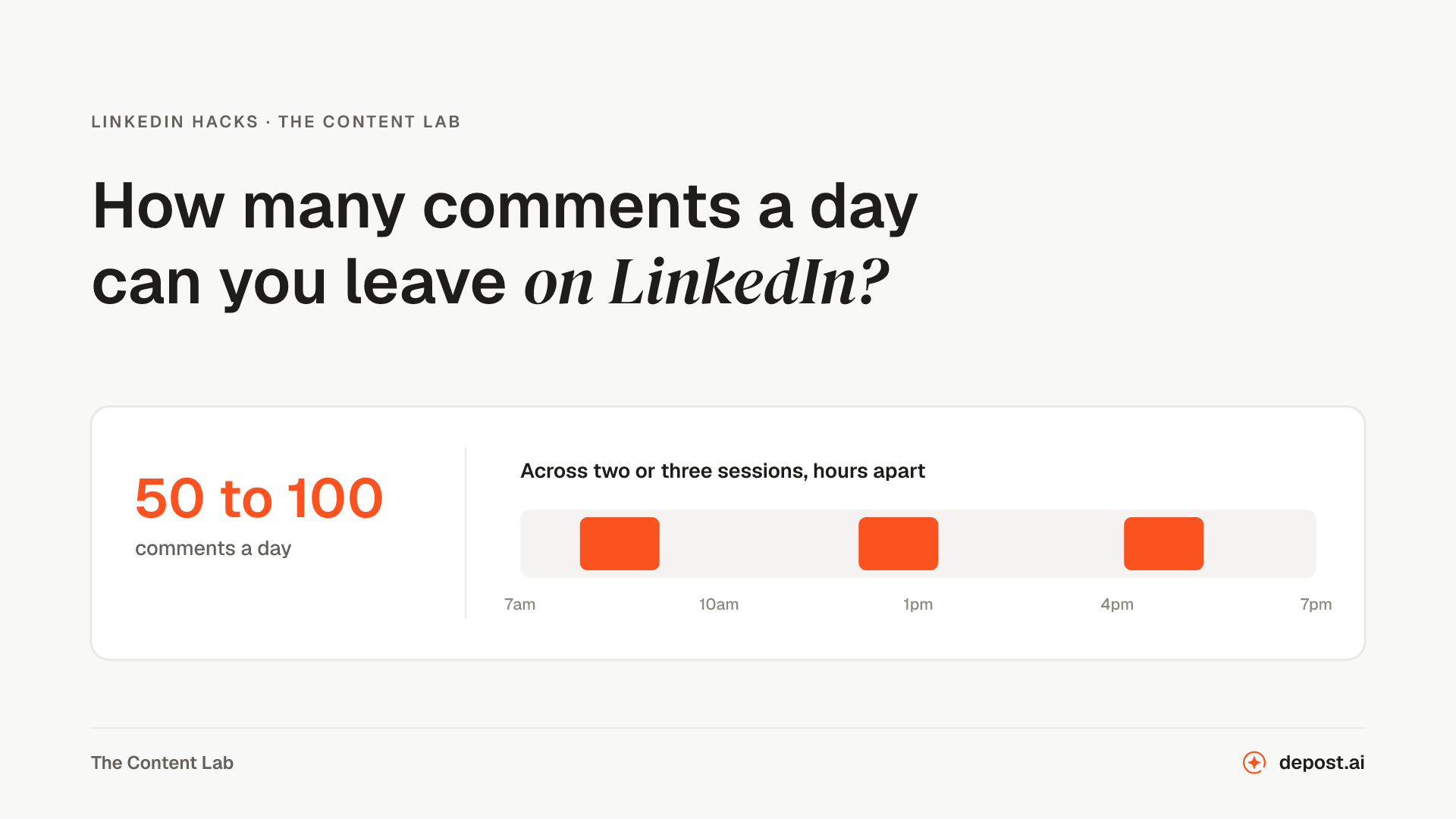 LinkedIn GuidesHow Many Comments Can You Leave on LinkedIn Per Day?LinkedIn has never published a daily comment limit, and the numbers circulating have no source. What LinkedIn documents, what we run on our own account, and the shape that keeps it safe.
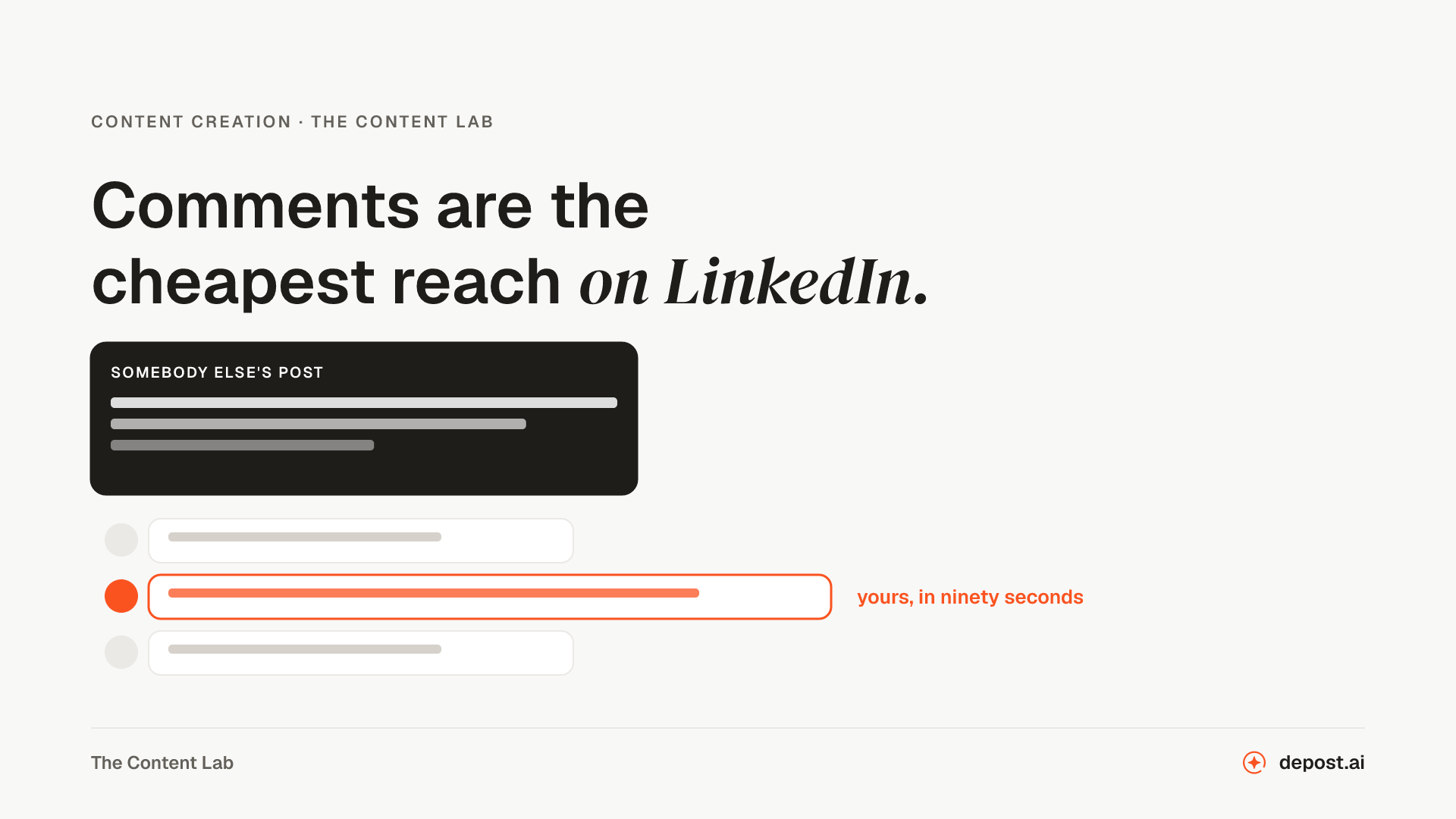 Content CreationHow to Boost LinkedIn Engagement with Smart CommentsComments are the cheapest reach on LinkedIn and almost nobody uses them well. What a good one looks like, and how to keep it up on the days you have no time.
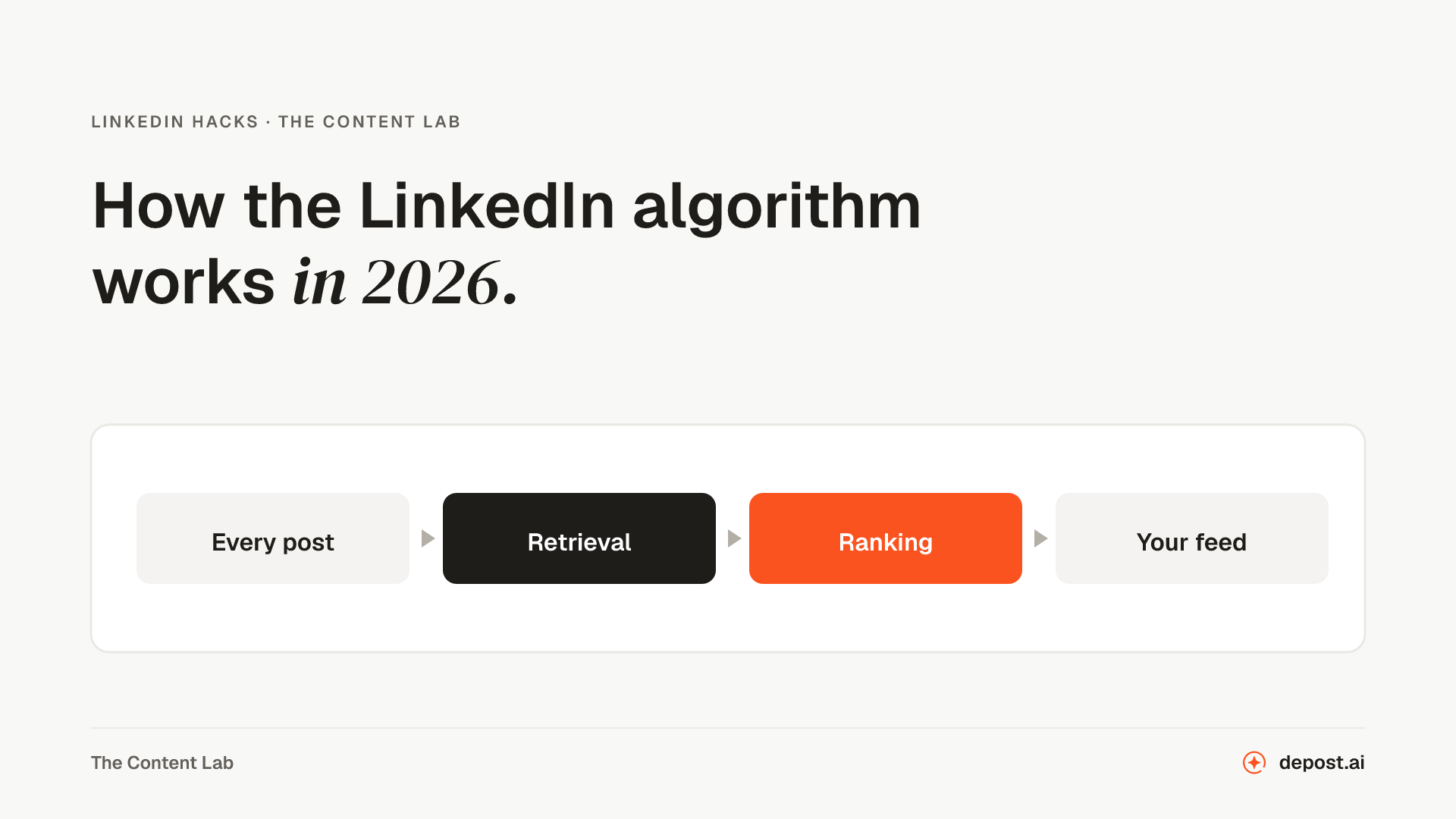 LinkedIn GuidesHow the LinkedIn Algorithm Works in 2026LinkedIn rebuilt feed ranking in March 2026 and published how it works. Here is what the company confirmed, what third parties measured, and what is still guesswork.
Next
LinkedIn DM Generator
A first message to a new connection, or a follow-up that moves the conversation along without opening with a pitch.
LinkedIn Connection Request Generator
A connection note that gives them a reason to accept, written from who they are and why you want to connect, inside the 300 characters LinkedIn allows.
LinkedIn Viral Post Generator
A finished post from a rough thought, a link, or a few bullet points, with the hook, the pacing, and the ending the feed rewards.
Make LinkedIn your
best-performing channel.
Brief your team once. It studies, plans, writes, designs, and schedules. You approve.
Your brief comes with you: once you're set up, it's the team's first job.
7 days free · Strategy in your first 15 minutes · Cancel anytime