LinkedIn connection request limit calculator
Type what you have sent in the last seven days and what is still pending, and see what you have left this week, the daily pace that stays under the limit, and how many weeks your target takes at your acceptance rate. LinkedIn publishes no weekly number, so the allowance is yours to set; every rule beside the numbers is quoted from LinkedIn Help.
Left this week
100
of 100
Steady daily pace
20
a day, 5 days a week
Weeks to your target
7
about 30 accepted a week
What LinkedIn itself says, from LinkedIn Help (checked September 2026):
- The weekly invitation limit applies to every account, free and Premium, and the restriction typically lasts one week. Withdrawing pending invitations does not lift it.
- Too many invitations left ignored or pending can restrict an account on their own, for up to a month. After you withdraw an invitation you cannot resend it to the same person for up to three weeks.
- Free accounts can add a personal note to three invitations a month, up to 200 characters each. Premium has no cap on notes.
- The one published hard number: 30,000 first-degree connections, after which Follow becomes the default on your profile.
What LinkedIn says, and what it does not
LinkedIn’s help pages are specific about the shape of the limit and silent about its size. A weekly invitation limit applies to every account, free and Premium alike. Reaching it restricts sending for about a week, and withdrawing pending invitations does not shorten that. A separate restriction, lasting up to a month, applies to accounts whose invitations pile up ignored or get marked as spam. The one hard number published is 30,000 connections in total.
The number everyone quotes, 100 a week, is what people observe rather than what LinkedIn states, so the calculator treats it as an input. If your account has hit the message at 80, put in 80; some newer accounts report less. What the arithmetic then gives you is a pace, and the pace is the point: twenty a day on five days reads like a person, a hundred on Monday morning reads like a tool.
The limit that actually bites is acceptance
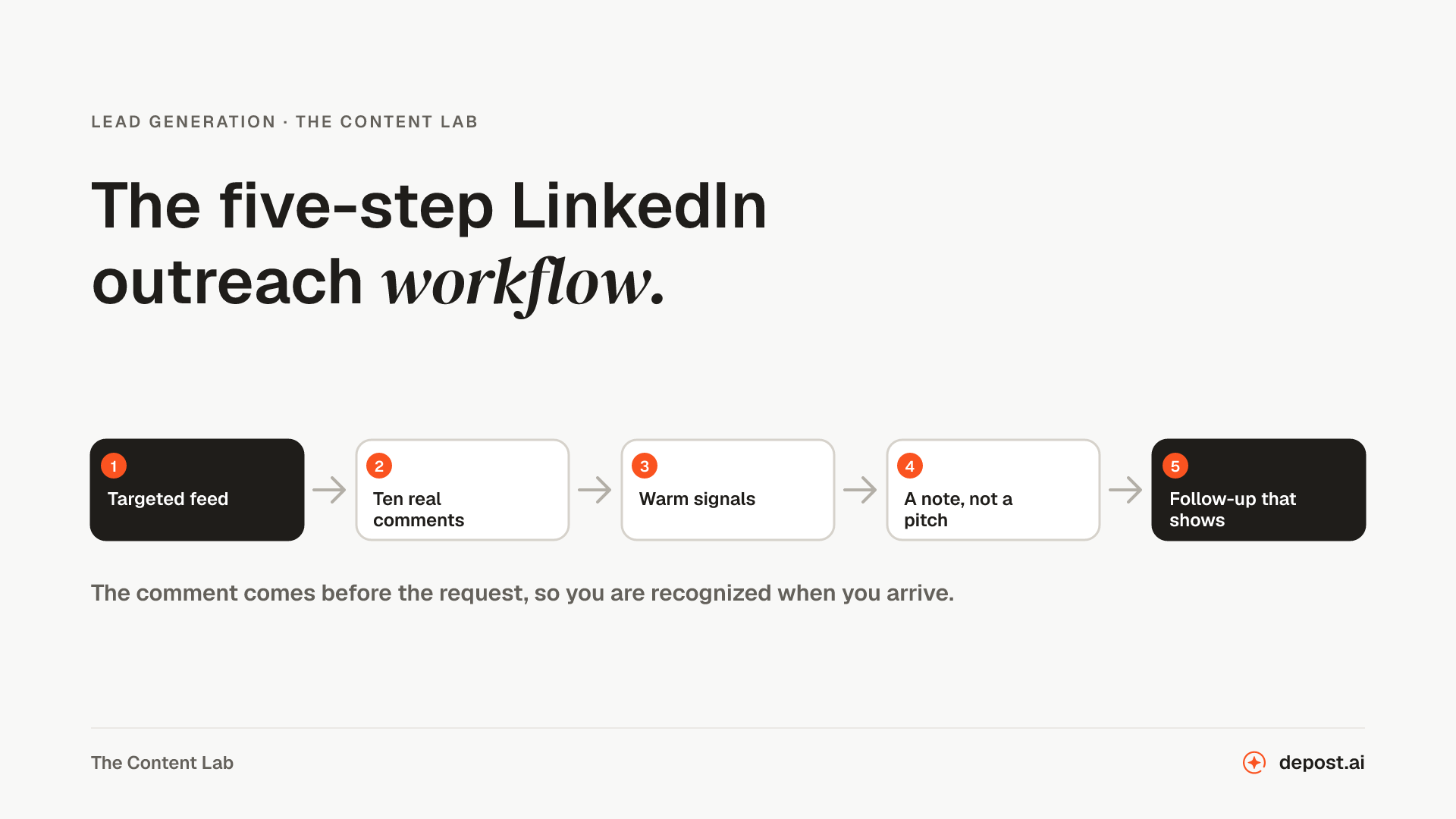
A hundred invitations a week at 30% acceptance is 30 new connections; at 50% it is 50, from the same hundred. No pacing trick matches that, and it is the number you control. Send to people who have a reason to know who you are, spend the three free notes a month on the ones who matter, and make the profile the request arrives from answer the question “who is this” before they click. The connection request generator writes the note, and the outreach ROI calculator shows what each point of acceptance is worth further down the funnel.
Depost AI works the other side of the same problem: it keeps you visible to the people you want to reach, with replies drafted in your voice when they post, so that by the time the request arrives your name is one they have seen.
Questions
- What is the LinkedIn connection request limit per week?
- LinkedIn does not publish a number. Its help pages say a weekly invitation limit exists for every account, free and Premium, that reaching it restricts sending for about a week, and that withdrawing invitations does not lift the restriction. The figure outreach teams plan around is 100 a week, which is the calculator’s default; if your account has been stopped sooner, put in the number where it happened.
- When does the weekly invitation limit reset?
- LinkedIn describes the restriction as lasting about a week from when you hit it and names no reset day, so treat it as a rolling seven days rather than a Monday reset. The “sent in the last 7 days” figure is the one that matters, and the calculator spreads what is left over your sending days.
- How many connection requests should I send per day?
- Your weekly allowance divided by the days you send, which at 100 a week over five days is 20. LinkedIn’s help pages name sending many invitations in a short time as a trigger for restrictions, so a steady daily pace is safer than a Monday burst, and it looks like a person rather than a script, which is the other thing LinkedIn watches for.
- Do pending invitations count against me?
- Yes, in LinkedIn’s own words: an account with many invitations ignored, left pending, or marked as spam can be restricted, and that restriction can last up to a month. Withdraw the ones that have sat for a few weeks. You will not be able to resend to those people for up to three weeks, which costs nothing, since they were not accepting.
- How many connection requests can I send with a note?
- On a free account, three a month, each up to 200 characters, according to LinkedIn Help as of September 2026. Premium accounts have no cap on notes. Every other request goes without one, so the profile it arrives from does the talking, and the three notes should go to the people who matter most.
- Is there a limit on total connections?
- Yes, and it is the one number LinkedIn publishes: 30,000 first-degree connections. At the limit, Follow becomes the default button on your profile and you cannot send or accept new invitations without removing some. Followers have no limit.
- Does the calculator send anything to LinkedIn?
- No. It is arithmetic on the numbers you type, done in your browser, saved there so they are back when you return. Nothing connects to your account.
Next
LinkedIn Connection Request Generator
A connection note that gives them a reason to accept, written from who they are and why you want to connect, inside the 300 characters LinkedIn allows.
LinkedIn Outreach ROI Calculator
Invitations to meetings to customers per month, priced against the hours, and the one rate worth five more points.
LinkedIn DM Generator
A first message to a new connection, or a follow-up that moves the conversation along without opening with a pitch.
Make LinkedIn your
best-performing channel.
Brief your team once. It studies, plans, writes, designs, and schedules. You approve.
Your brief comes with you: once you're set up, it's the team's first job.
7 days free · Strategy in your first 15 minutes · Cancel anytime